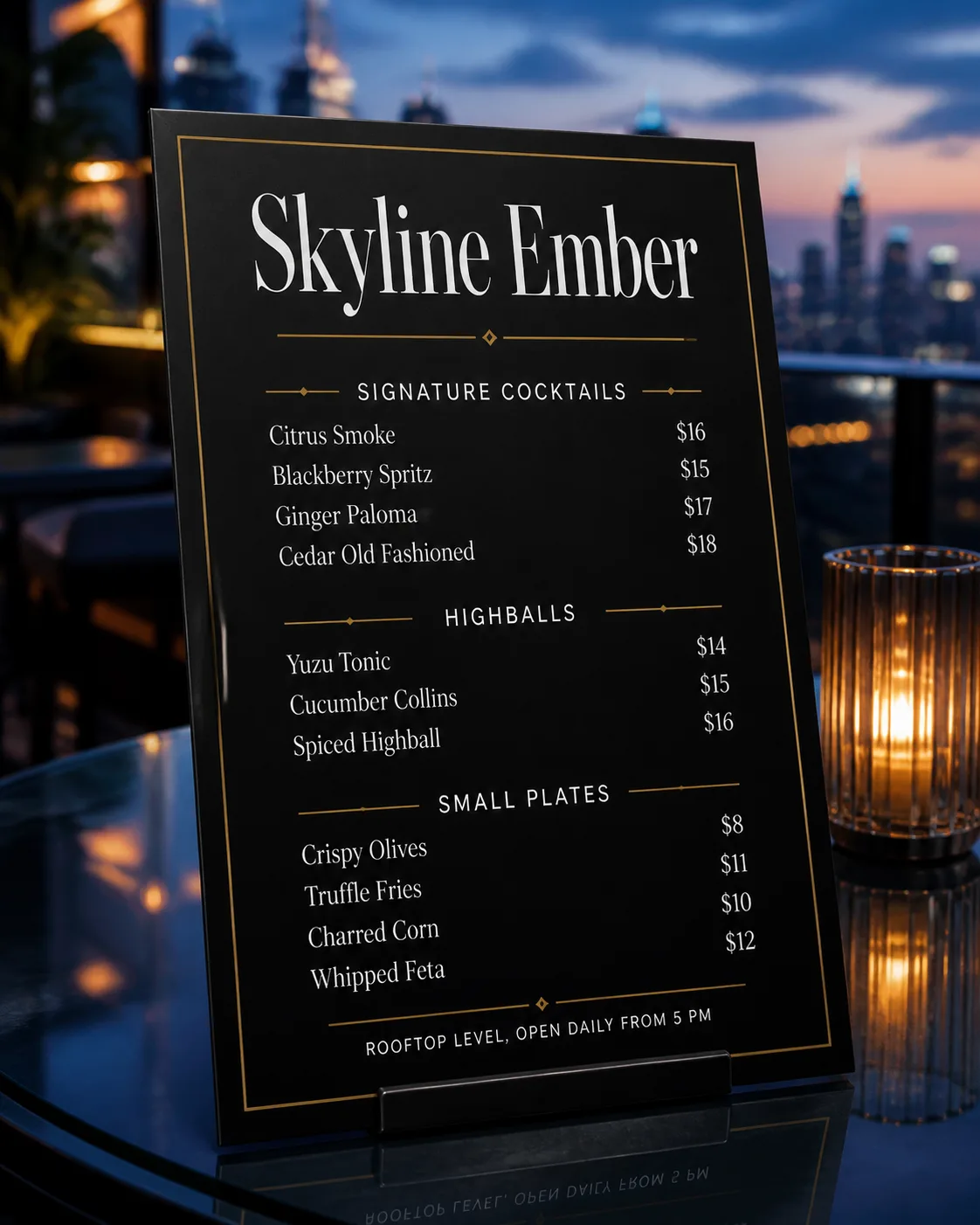
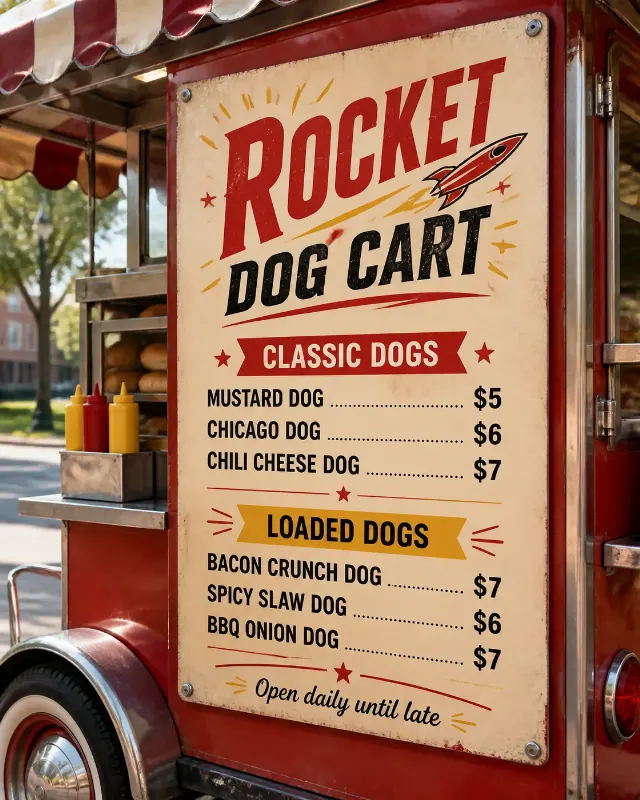
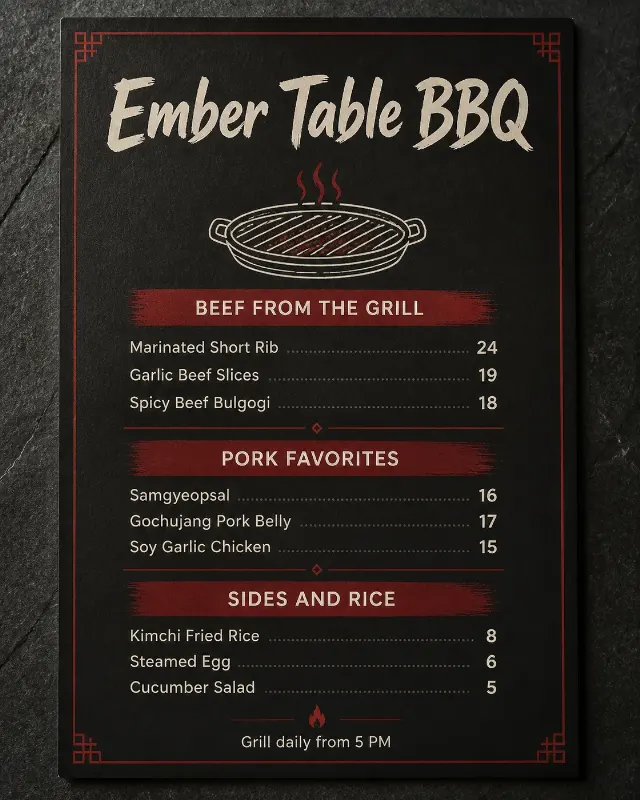
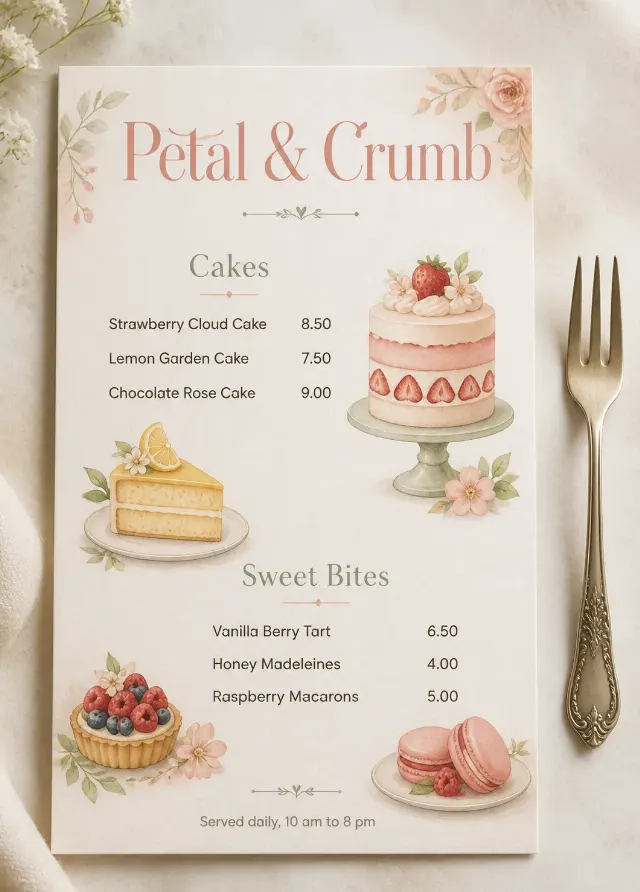
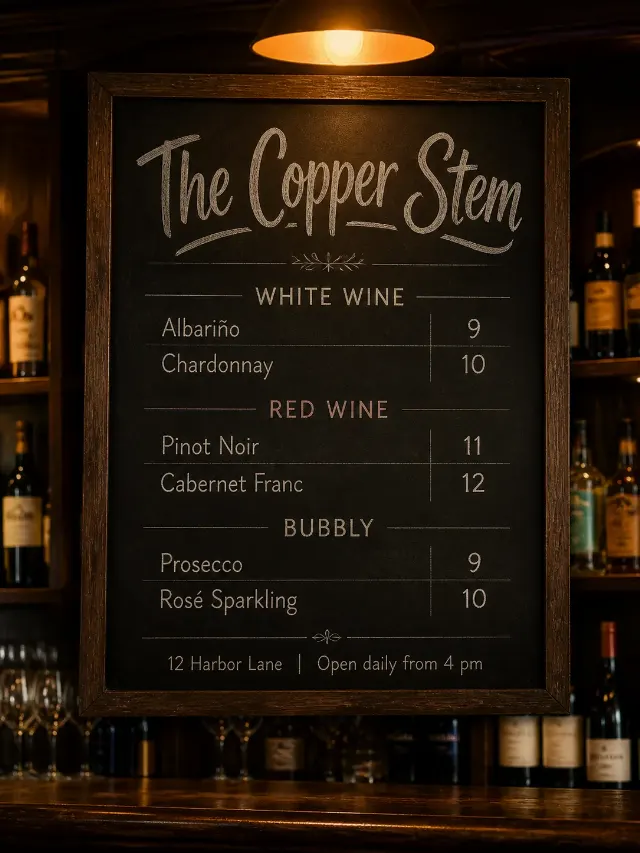
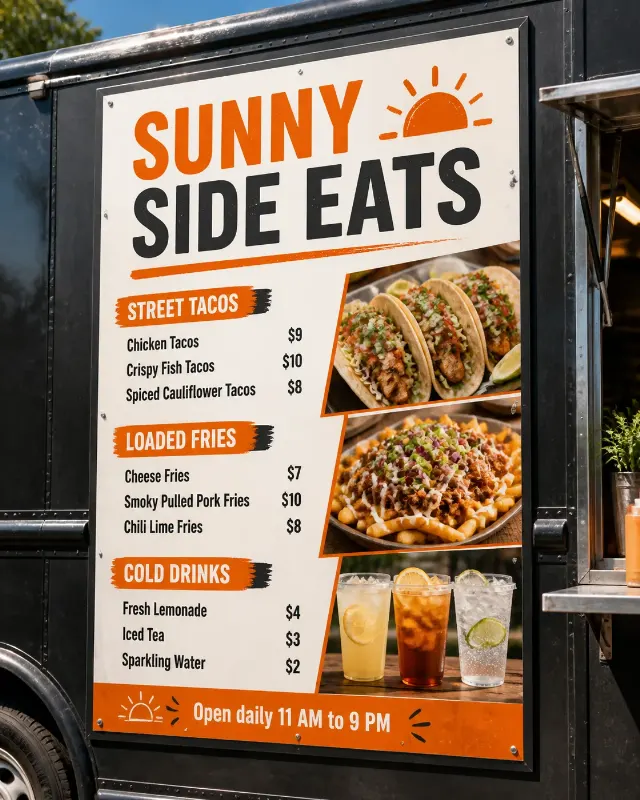
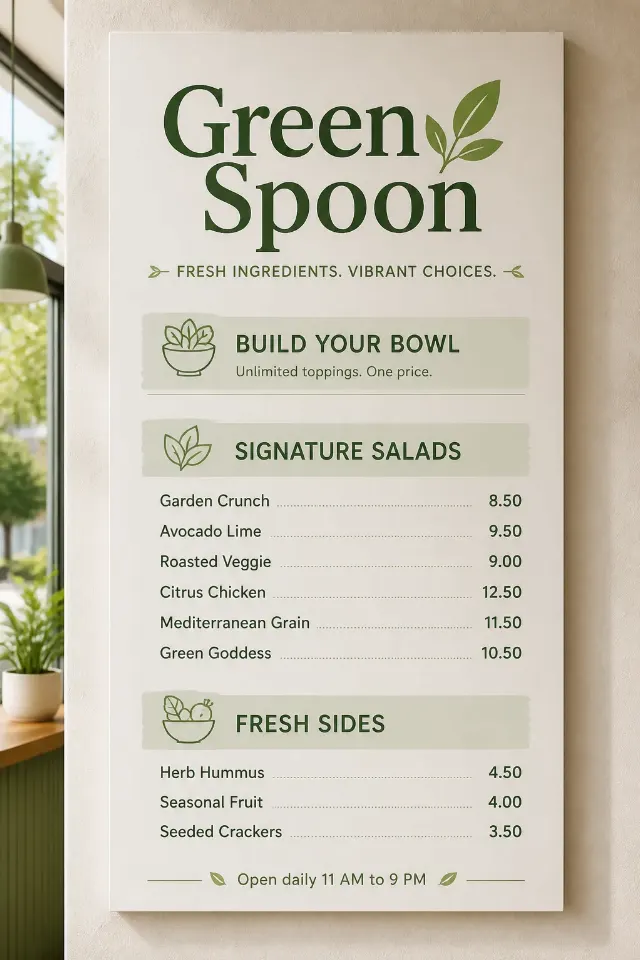
Set the Venue Name as the largest element in a refined menu composition, with the Section Headings clearly separated into three compact sections. Arrange the Item Names beneath the appropriate headings and pair them with the Prices on a consistent grid, keeping prices right-aligned. Include the Footer Line in small, restrained type at the bottom. Use the Color Palette with generous negative space, two complementary typefaces maximum, and thin linear dividers that support rather than crowd the text. Present the menu in the Format, angled naturally on the Surface in the Setting. Use the Lighting to create believable reflections and soft shadows. Make every word and price crisp, correctly spelled, legible, and fully contained within the menu. Render it as a realistic professional menu mockup with no watermarks, logos, QR codes, or outer image border.

Use these details:
Venue Name: "Skyline Ember"
Section Headings: ["Signature Cocktails", "Highballs", "Small Plates"]
Item Names: ["Citrus Smoke", "Blackberry Spritz", "Ginger Paloma", "Cedar Old Fashioned", "Yuzu Tonic", "Cucumber Collins", "Spiced Highball", "Crispy Olives", "Truffle Fries", "Charred Corn", "Whipped Feta"]
Prices: ["$16", "$15", "$17", "$18", "$14", "$15", "$16", "$8", "$11", "$10", "$12"]
Footer Line: "Rooftop level, open daily from 5 PM"
Color Palette: "minimal white type on deep black with thin metallic gold lines"
Setting: "a rooftop bar at dusk"
Surface: "a clear glass table"
Lighting: "soft blue dusk light with subtle warm reflections"
Format: "4:5 vertical menu mockup"
Using your own logo, product or face? Attach it in the chat and say which of the details it replaces.
Your result will come out close to the example rather than identical to it. Change the details to make it yours.