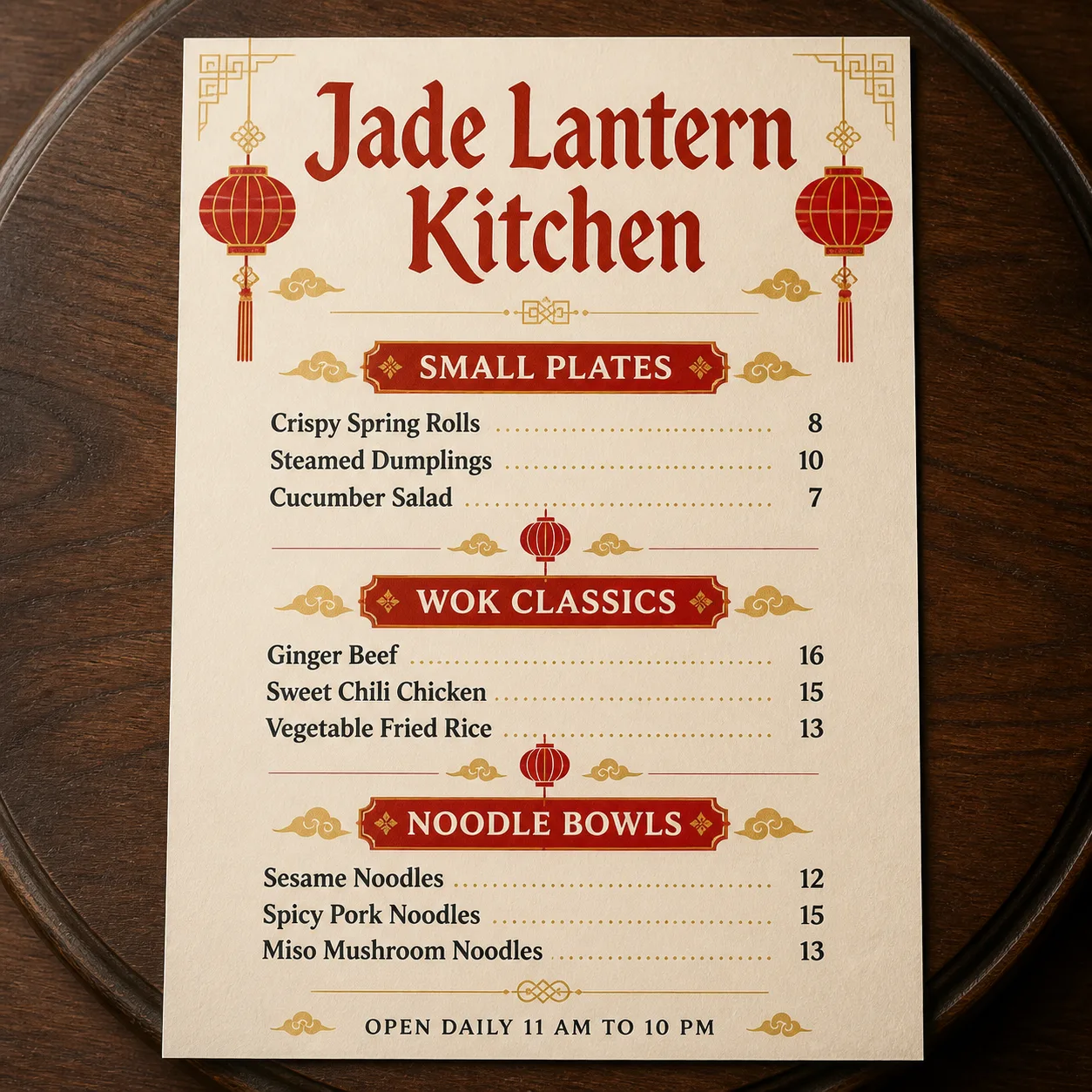
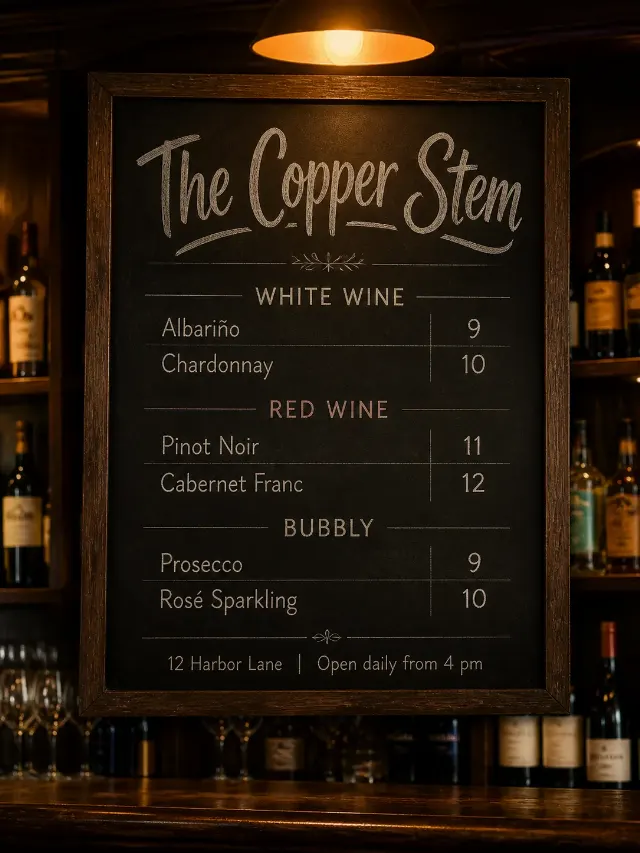
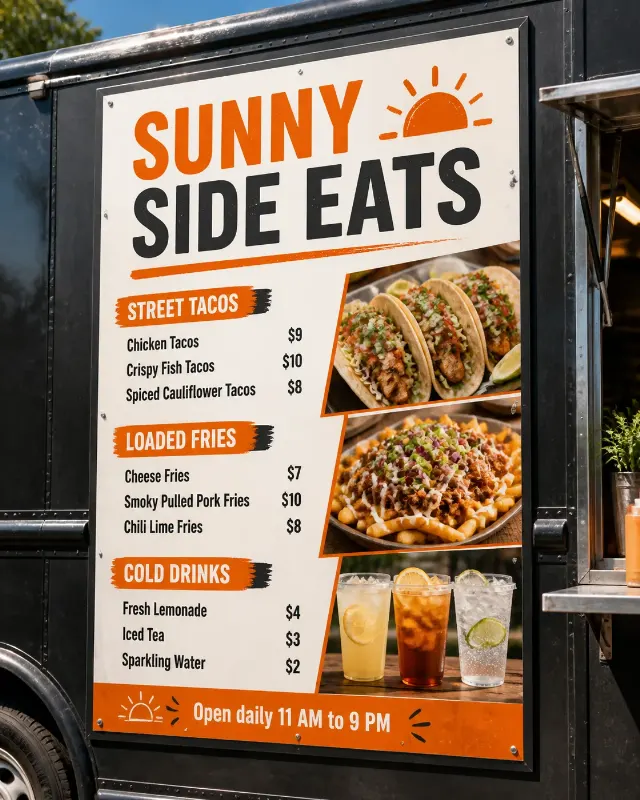
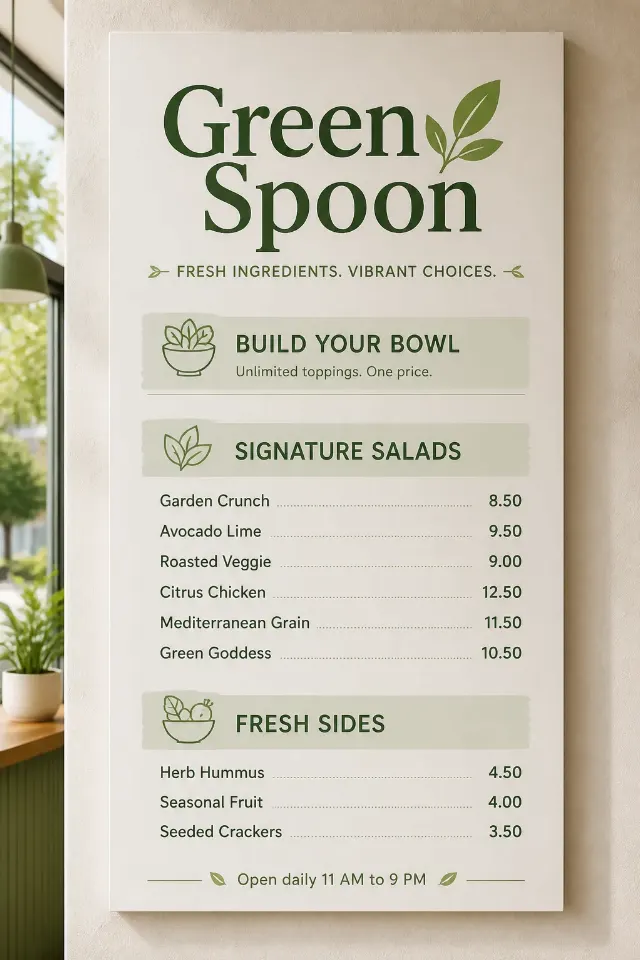
Arrange a Chinese restaurant menu as a flat top-down design placed on the Lazy Susan Surface, photographed with believable soft overhead light and gentle shadows. Use the Color Palette throughout a rich printed layout with a warm cream menu base, vermilion red panels and antique gold detailing. Set the Venue Name as the largest element at the top in an elegant Chinese-inspired display typeface, paired with one highly legible supporting typeface. Divide the menu into the Section Headings, with the Menu Items arranged beneath the matching sections and their corresponding Prices aligned on a clean right-hand grid. Render every word and number exactly as written, with clear spelling, generous spacing and no overlaps. Add refined red and gold lantern illustrations near the corners and between sections, keeping them decorative and secondary to the text. Place the Footer Line in small type at the bottom. Show realistic paper texture and natural contact shadows on the lazy susan. Keep the composition uncluttered, with no watermarks, real logos, QR codes or border around the image.

Use these details:
Venue Name: "Jade Lantern Kitchen"
Section Headings: ["Small Plates", "Wok Classics", "Noodle Bowls"]
Menu Items: ["Crispy Spring Rolls", "Steamed Dumplings", "Cucumber Salad", "Ginger Beef", "Sweet Chili Chicken", "Vegetable Fried Rice", "Sesame Noodles", "Spicy Pork Noodles", "Miso Mushroom Noodles"]
Prices: ["8", "10", "7", "16", "15", "13", "12", "15", "13"]
Footer Line: "Open Daily 11 AM to 10 PM"
Color Palette: "vermilion red, antique gold, warm cream and deep charcoal"
Lazy Susan Surface: "dark walnut wood"
Using your own logo, product or face? Attach it in the chat and say which of the details it replaces.
Your result will come out close to the example rather than identical to it. Change the details to make it yours.