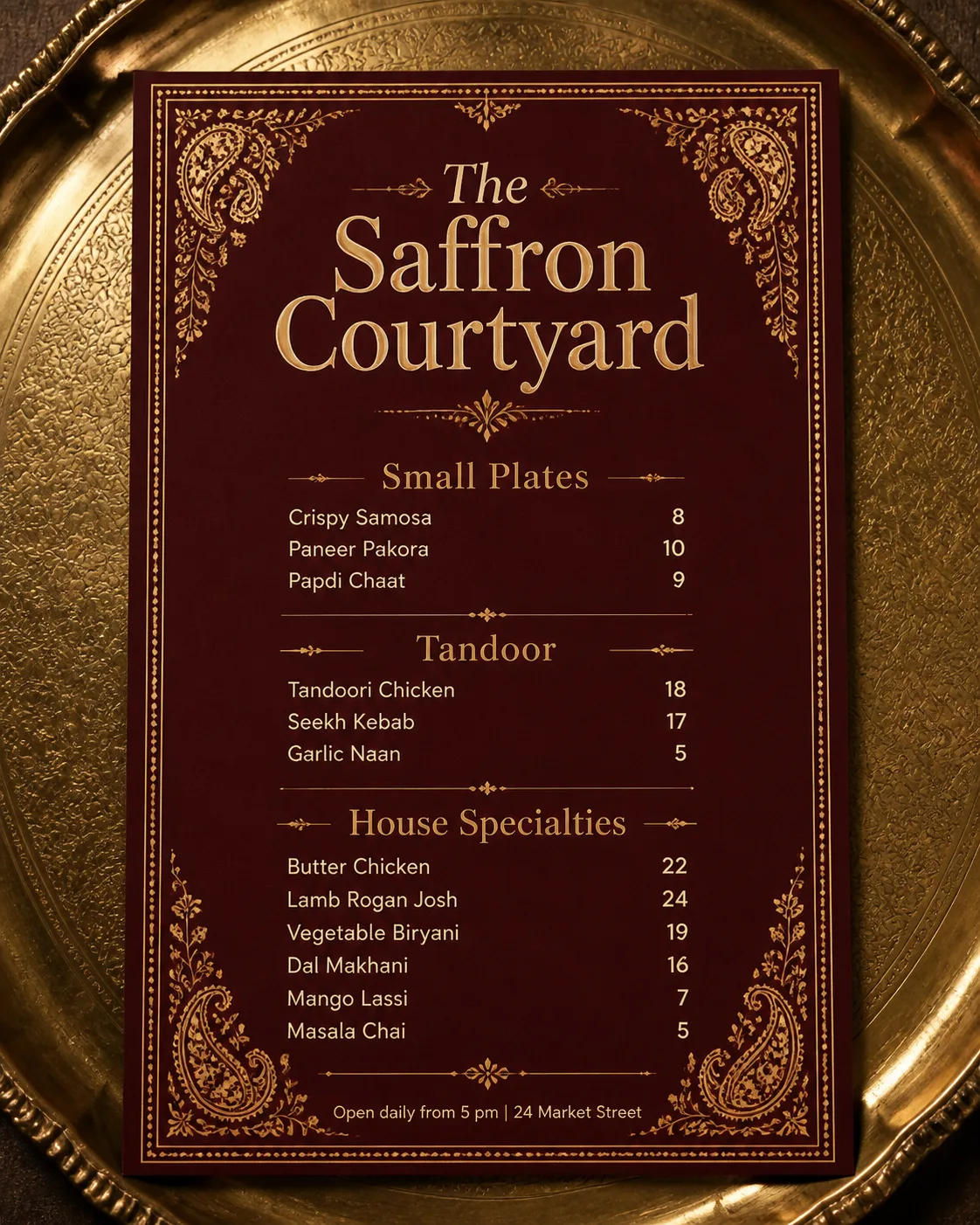
Design a single restaurant menu for The Venue Name, shown flat in a top-down view on the Presentation Surface. Use the Color Palette and the Border Style to create a rich deep maroon menu with an ornate gold border, delicate Indian floral and paisley details, and restrained warm cream lettering. Make the Venue Name the largest element at the top, with a refined centered layout and generous spacing. Arrange the Section Headings into three clearly separated sections, placing the Item Names beneath them in the provided order and pairing each item with its matching Price. Use a maximum of two complementary typefaces: an elegant display face for the venue and headings, and a highly legible serif or sans serif for the menu text. Align prices consistently on the right. Add the Footer Line discreetly at the bottom. Make every word correctly spelled and legible, with no overlapping text, crowded sections, watermarks, real logos, QR codes, or border around the outer image. Use believable brass reflections and soft directional light for a realistic printed-menu presentation.

Use these details:
Venue Name: "The Saffron Courtyard"
Section Headings: ["Small Plates", "Tandoor", "House Specialties"]
Item Names: ["Crispy Samosa", "Paneer Pakora", "Papdi Chaat", "Tandoori Chicken", "Seekh Kebab", "Garlic Naan", "Butter Chicken", "Lamb Rogan Josh", "Vegetable Biryani", "Dal Makhani", "Mango Lassi", "Masala Chai"]
Prices: ["8", "10", "9", "18", "17", "5", "22", "24", "19", "16", "7", "5"]
Footer Line: "Open daily from 5 pm | 24 Market Street"
Color Palette: "deep maroon, antique gold and warm cream"
Border Style: "ornate Indian floral and paisley ornament"
Presentation Surface: "an antique brass serving tray"
Using your own logo, product or face? Attach it in the chat and say which of the details it replaces.
Your result will come out close to the example rather than identical to it. Change the details to make it yours.