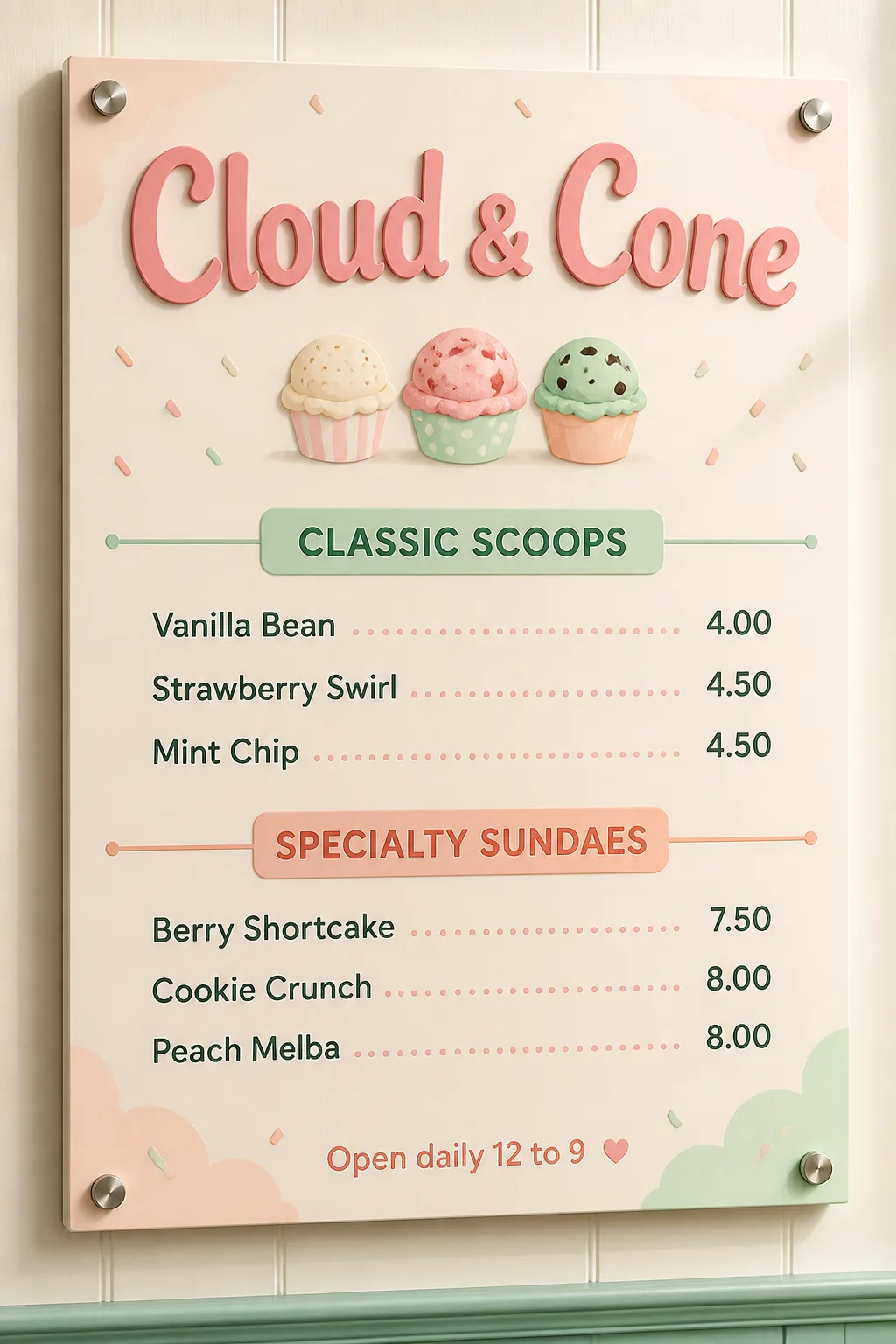
Design a vertical wall-mounted donut shop menu using the Venue Name as the largest element at the top. Build the menu in the Color Palette, with the Sprinkles Pattern distributed across the background as a cheerful repeating accent without reducing readability. Organize the content into three clearly separated sections using the Section Headings. Place the Item Names beneath the Section Headings in order, with three items per section, and pair the Prices with those items in the same order on a clean, consistent grid. Use the Type Style with no more than two typefaces. Render the Footer Line as a small, discreet line near the bottom. Keep the text volume low, all wording correctly spelled, legible and unobstructed. Make the section headings clearly distinct, keep prices right-aligned, and let the venue name dominate the hierarchy. Show the finished design mounted on a softly textured café wall with believable daylight, subtle cast shadow and realistic printed surface texture. Use only the menu and its sprinkles pattern, with no extra props, logos, QR codes, watermarks or border around the image.

Use these details:
Venue Name: "Sugar Loop Donuts"
Section Headings: ["Classic Glazed", "Sprinkle Favorites", "Filled Donuts"]
Item Names: ["Original Glaze", "Cinnamon Sugar", "Vanilla Sprinkle", "Strawberry Sprinkle", "Chocolate Sprinkle", "Confetti Crunch", "Vanilla Cream", "Berry Jam", "Lemon Curd"]
Prices: ["$3", "$3", "$3", "$4", "$4", "$4", "$5", "$5", "$5"]
Footer Line: "Open daily 8 AM to 6 PM"
Color Palette: "bright pastel pink, soft blush, creamy white and small accents of lavender and yellow"
Sprinkles Pattern: "scattered short sprinkles in varied pastel colors"
Type Style: "playful rounded display lettering with a friendly rounded sans serif for menu text"
Using your own logo, product or face? Attach it in the chat and say which of the details it replaces.
Your result will come out close to the example rather than identical to it. Change the details to make it yours.