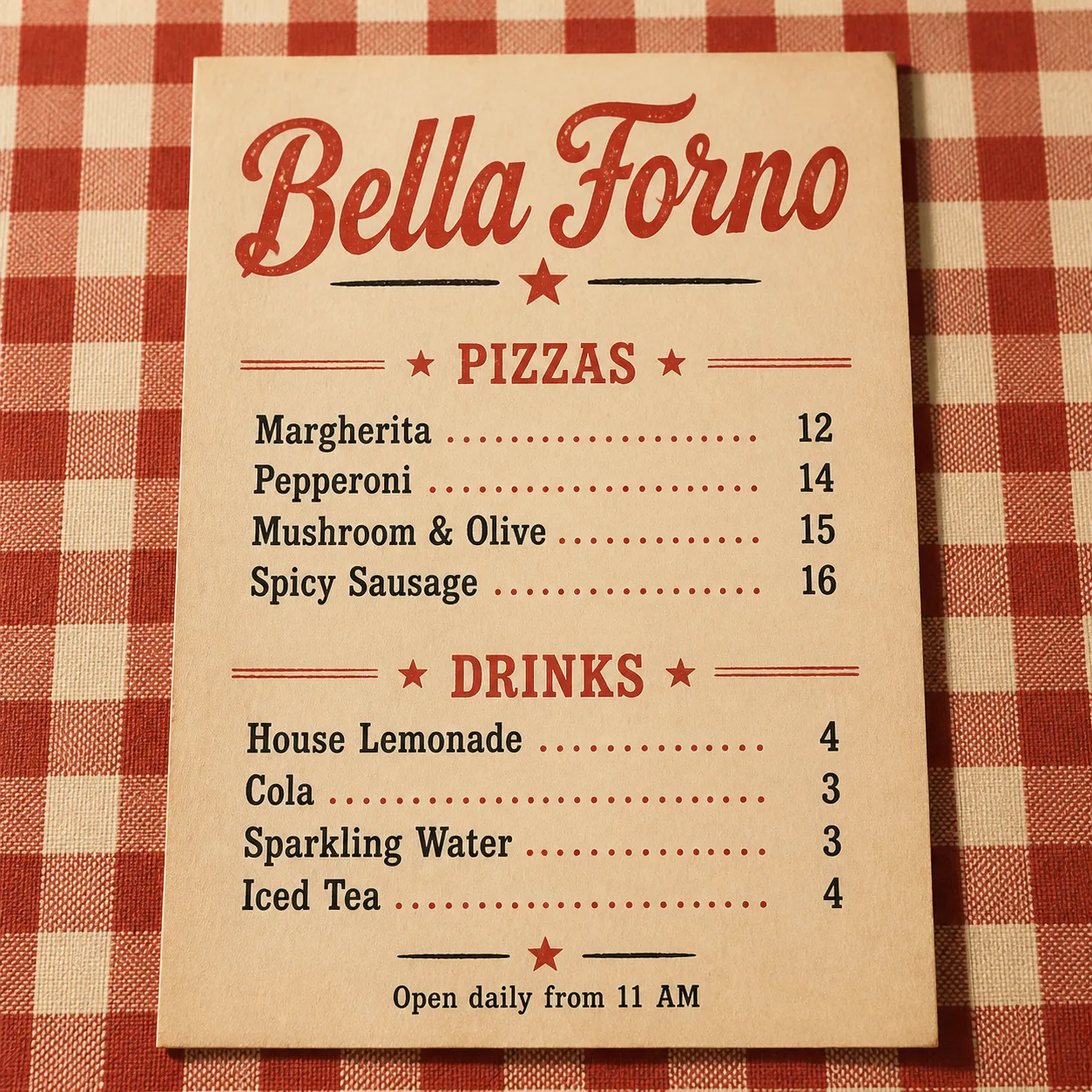
Lay out a restaurant menu for the Venue Name as a flat, top-down printed sheet resting on the Tablecloth Pattern. Use the Color Palette and a vintage print style inspired by classic neighborhood pizzeria menus, with slightly imperfect ink texture, subtle paper grain and restrained retro ornament such as small stars or hand-drawn divider lines. Make the Venue Name the largest text element at the top. Use the Section Headings to organize the menu into two clear sections, pairing the Pizza Item Names with the Pizza Prices in order and the Drink Item Names with the Drink Prices in order. Keep the text volume low, align prices consistently on the right, and use no more than two typefaces. Add the Footer Line in small type at the bottom. Ensure every word and number is spelled correctly, legible, and unobstructed. Use believable soft overhead lighting and a natural table shadow. No logos, QR codes, watermarks or border around the image.

Use these details:
Venue Name: "Bella Forno"
Section Headings: ["Pizzas", "Drinks"]
Pizza Item Names: ["Margherita", "Pepperoni", "Mushroom & Olive", "Spicy Sausage"]
Pizza Prices: ["12", "14", "15", "16"]
Drink Item Names: ["House Lemonade", "Cola", "Sparkling Water", "Iced Tea"]
Drink Prices: ["4", "3", "3", "4"]
Footer Line: "Open daily from 11 AM"
Color Palette: "tomato red, warm cream and muted black"
Tablecloth Pattern: "red and cream gingham checks"
Using your own logo, product or face? Attach it in the chat and say which of the details it replaces.
Your result will come out close to the example rather than identical to it. Change the details to make it yours.