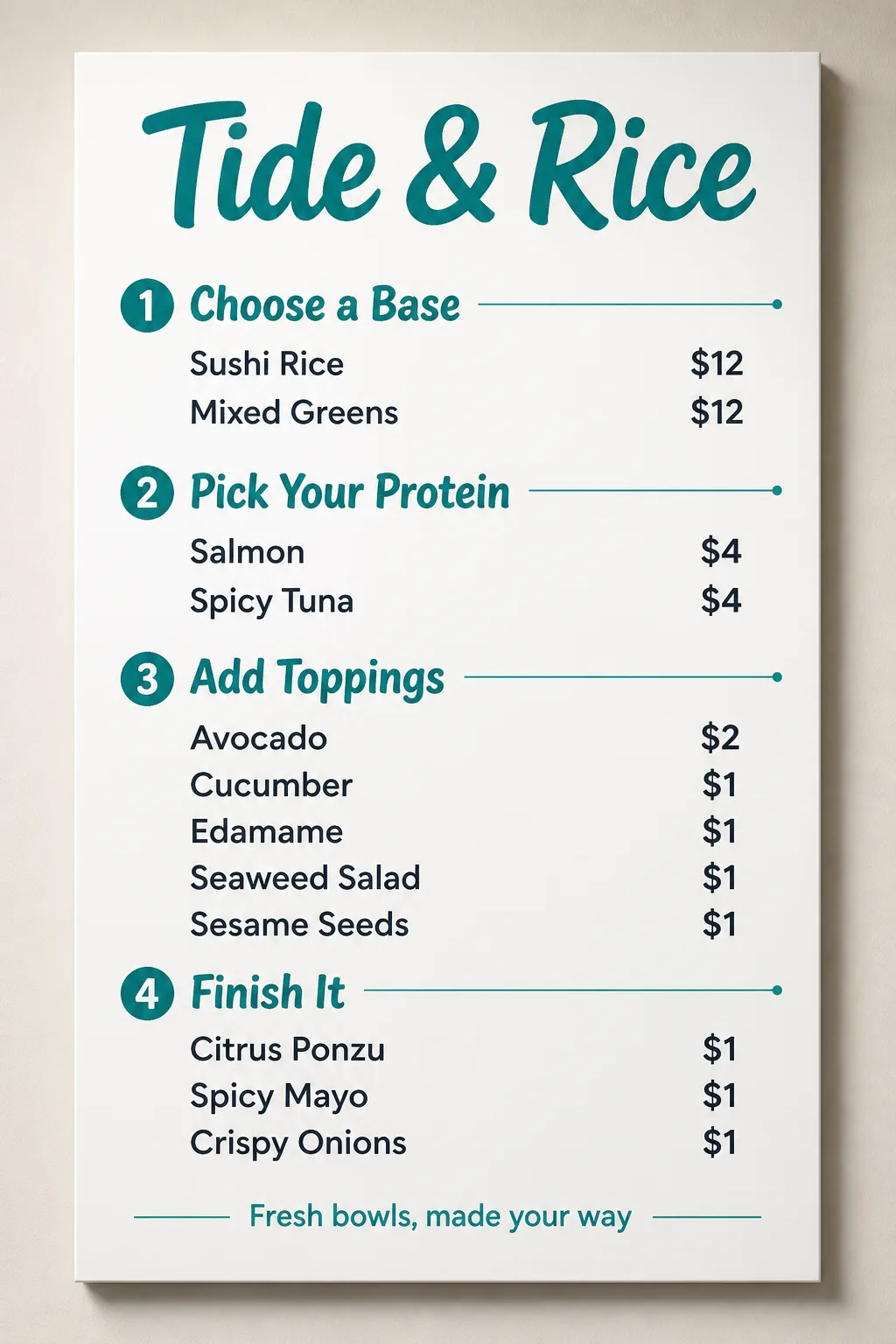
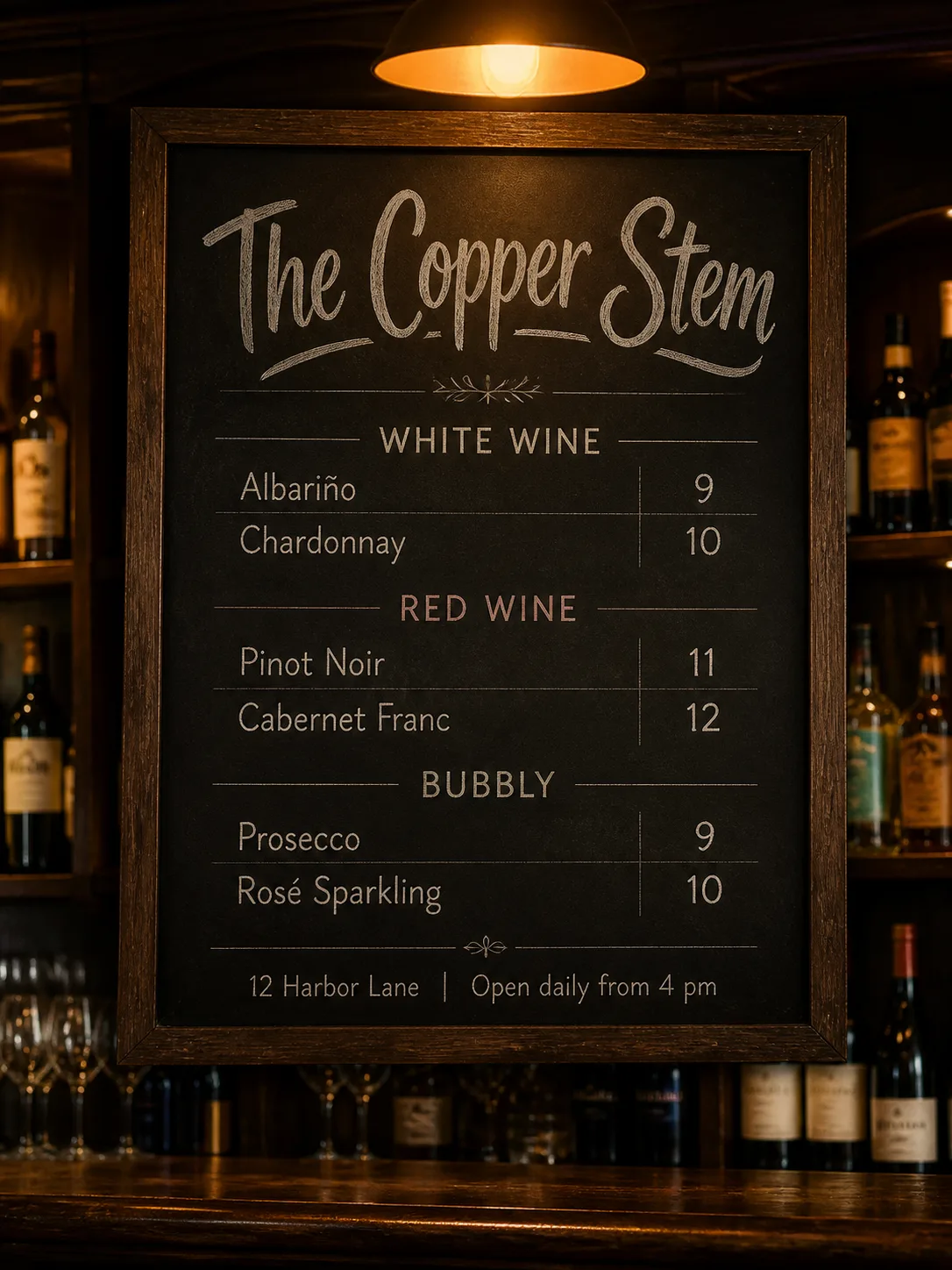
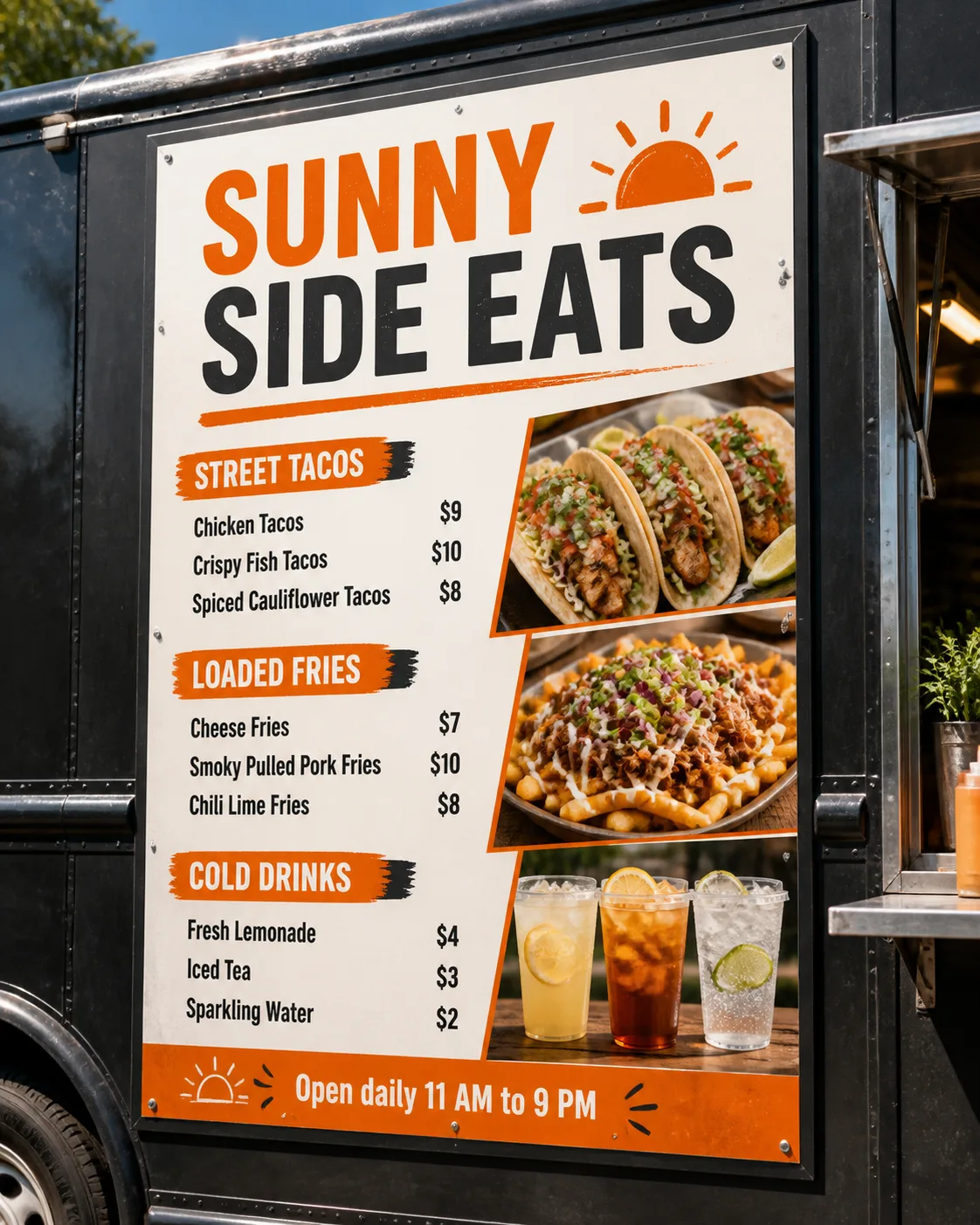
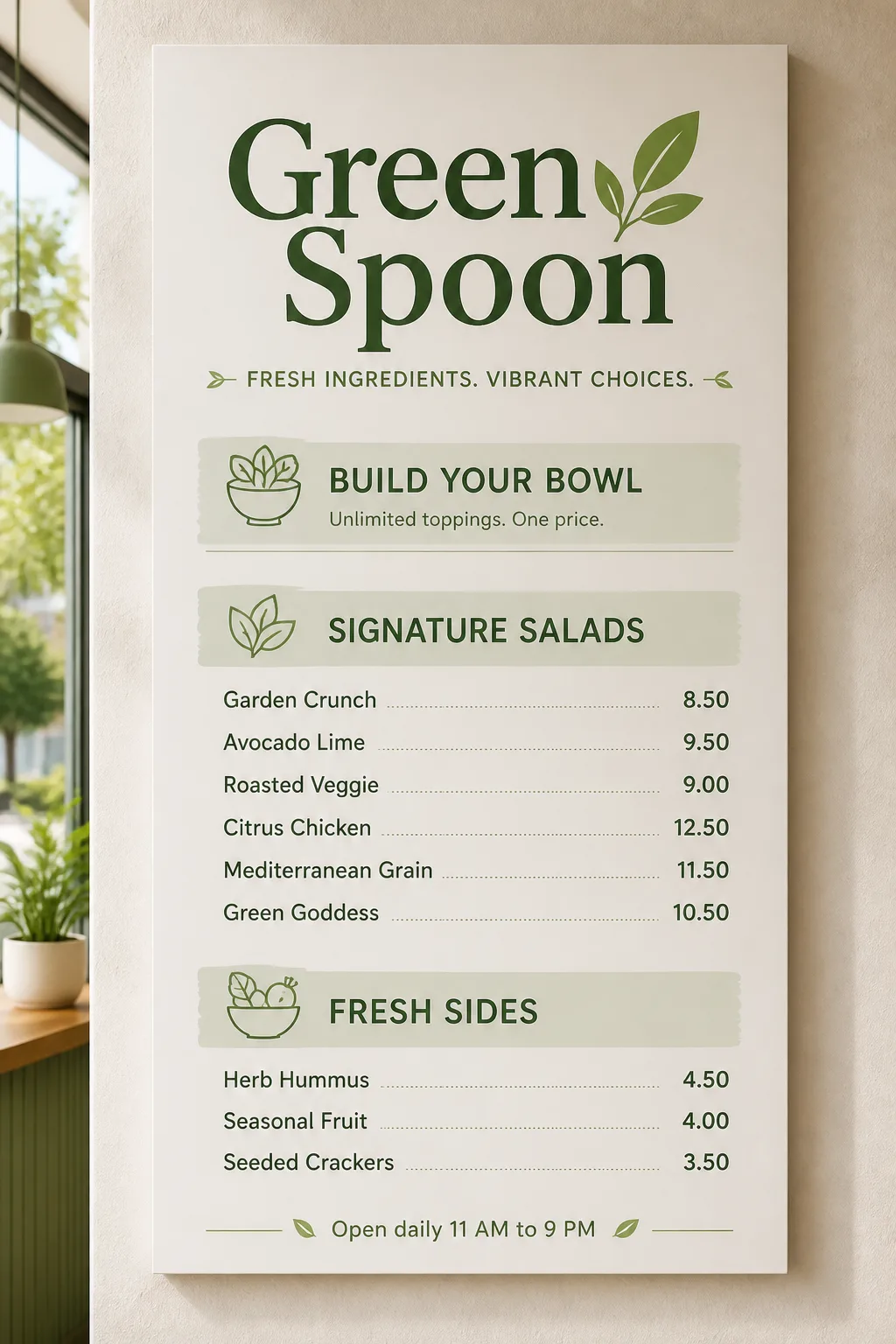
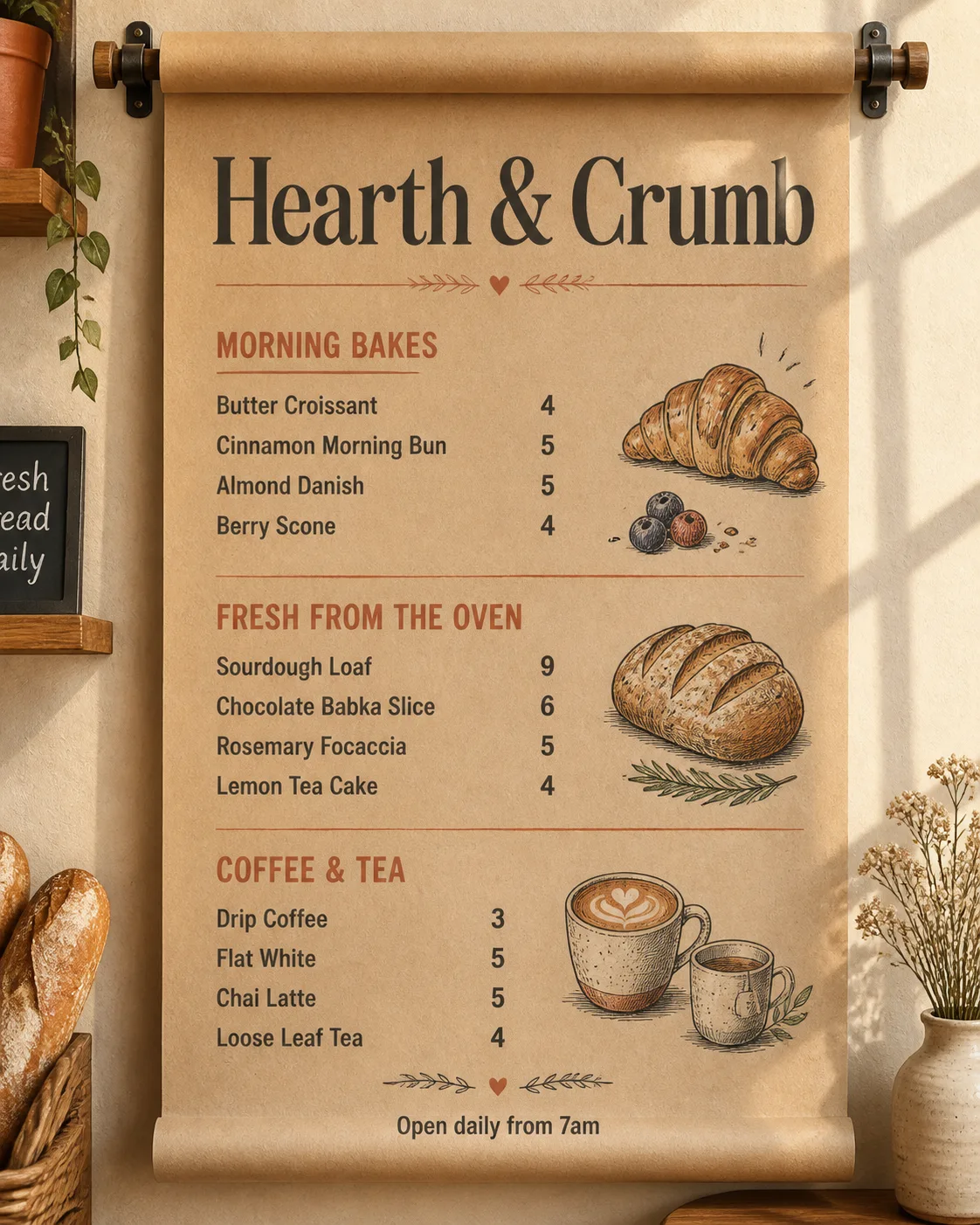
Design a clean, easy-to-scan Poke bowl shop menu board for the Venue Name, presented as a realistic wall-mounted display in the Format. Use the Color Palette across the board, with a white field, teal accents and restrained charcoal text. Make the Venue Name the largest element at the top, followed by four clearly separated build-your-own steps using the Section Headings in order. Set the Item Names beneath their corresponding sections in a consistent grid, with the Prices aligned neatly to the right of each item. Keep the selection concise and spacious, with generous margins and subtle teal divider lines that guide the eye without crowding the text. Use no more than two typefaces: a friendly bold display face for the venue and headings, plus a highly legible sans serif for menu items and prices. Render every word and number exactly as provided, with correct spelling, clean alignment and no overlapping text. Add the Footer Line as a small understated line at the bottom. Show realistic board or printed-panel texture, believable wall lighting and a soft cast shadow. No food illustrations, logos, QR codes, borders around the image or watermarks.

Use these details:
Venue Name: "Tide & Rice"
Section Headings: ["Choose a Base", "Pick Your Protein", "Add Toppings", "Finish It"]
Item Names: ["Sushi Rice", "Mixed Greens", "Salmon", "Spicy Tuna", "Avocado", "Cucumber", "Edamame", "Seaweed Salad", "Sesame Seeds", "Citrus Ponzu", "Spicy Mayo", "Crispy Onions"]
Prices: ["$12", "$12", "$4", "$4", "$2", "$1", "$1", "$1", "$1", "$1", "$1", "$1"]
Footer Line: "Fresh bowls, made your way"
Color Palette: "clean teal, white and charcoal"
Format: "portrait wall-mounted menu board"
Using your own logo, product or face? Attach it in the chat and say which of the details it replaces.
Your result will come out close to the example rather than identical to it. Change the details to make it yours.