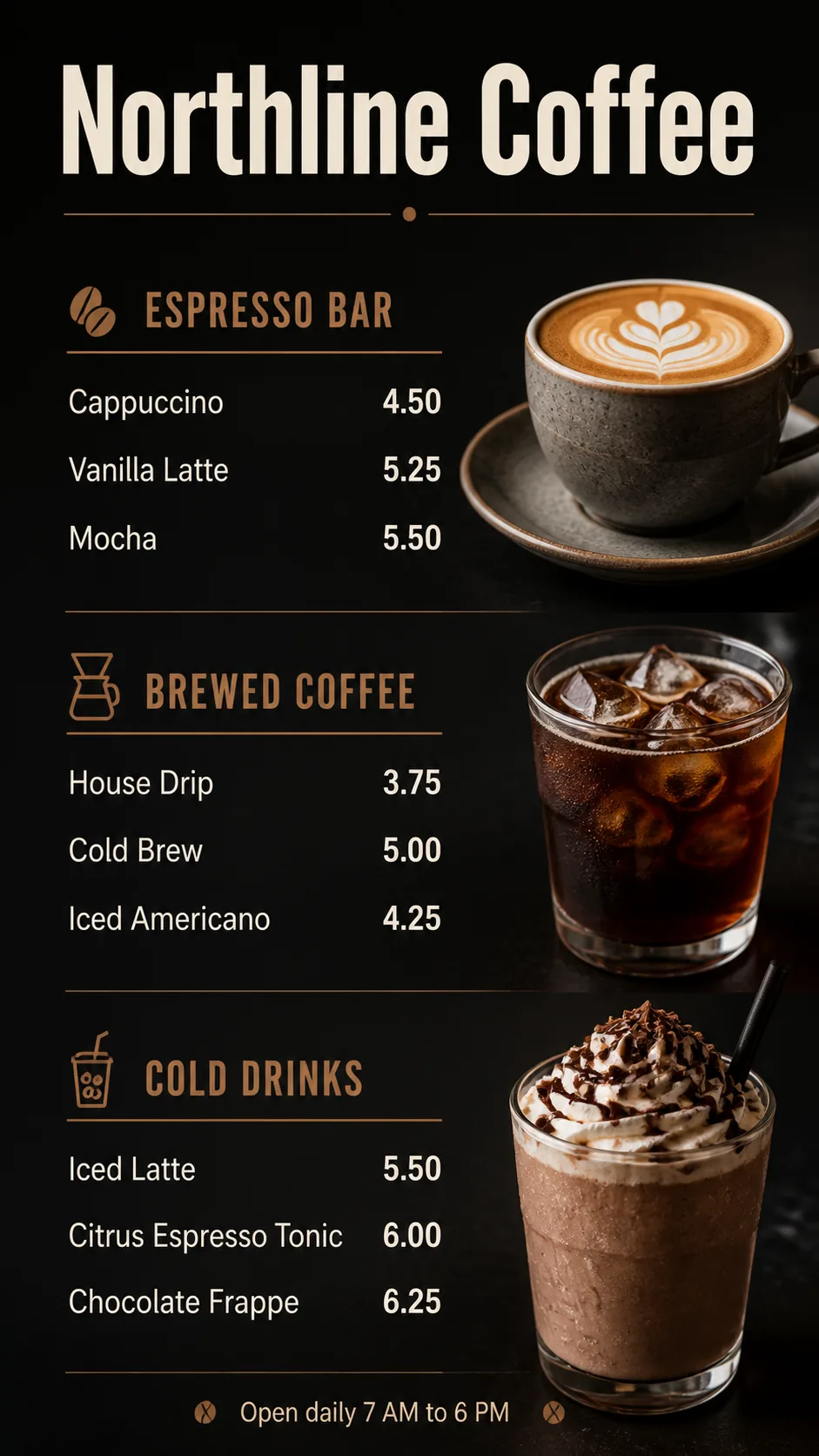
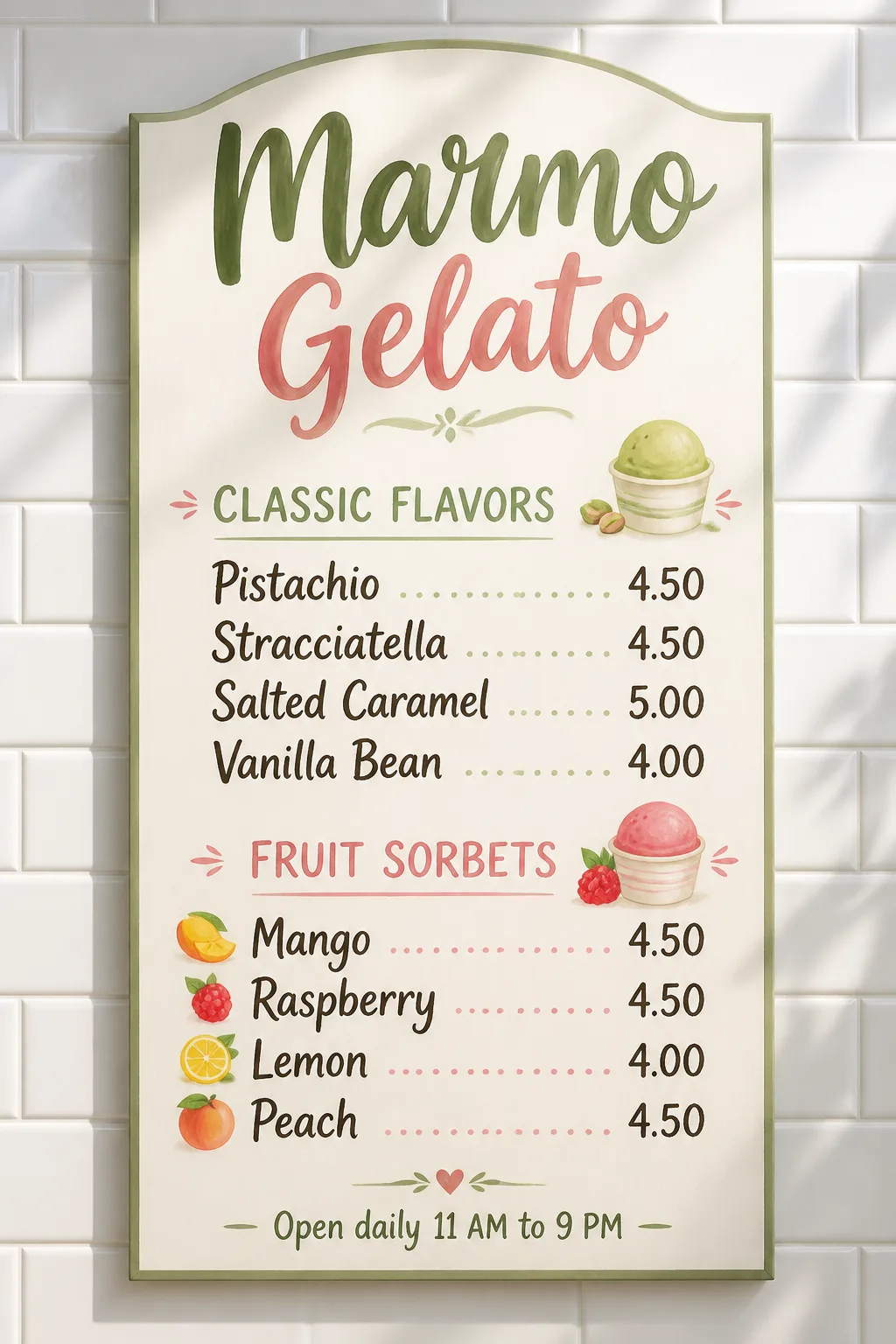
A vertical digital menu for a coffee shop screen, using the Format and Background Color. Place the Venue Name prominently at the top as the largest element, followed by three clearly separated sections using the Section Headings in order. Distribute the Item Names across the sections in order, placing the matching Prices on a precise right-aligned grid beside each item. Use the Typeface Style with no more than two typefaces. Include the Footer Line as a small, unobtrusive line at the bottom.

Add tasteful drink photography following the Drink Photo Direction, with one or two glasses or cups integrated beside the menu content without obscuring any text. Keep the layout airy and easy to scan from a short distance, with clear hierarchy, consistent spacing, accurate spelling, and strong contrast. Render every menu word and number exactly as supplied. Use realistic screen texture, subtle glow, and believable vertical display lighting. No watermarks, logos, QR codes, borders, overlapping text, or clipped content.

Use these details:
Venue Name: "Northline Coffee"
Section Headings: ["Espresso Bar", "Brewed Coffee", "Cold Drinks"]
Item Names: ["Cappuccino", "Vanilla Latte", "Mocha", "House Drip", "Cold Brew", "Iced Americano", "Iced Latte", "Citrus Espresso Tonic", "Chocolate Frappe"]
Prices: ["4.50", "5.25", "5.50", "3.75", "5.00", "4.25", "5.50", "6.00", "6.25"]
Footer Line: "Open daily 7 AM to 6 PM"
Background Color: "charcoal black with warm espresso-brown accents"
Typeface Style: "clean geometric sans serif with medium-weight headings and regular item text"
Drink Photo Direction: "realistic close-up photos of espresso drinks in ceramic cups and clear iced drinks with visible condensation"
Format: "9:16 vertical digital menu screen"
Using your own logo, product or face? Attach it in the chat and say which of the details it replaces.
Your result will come out close to the example rather than identical to it. Change the details to make it yours.