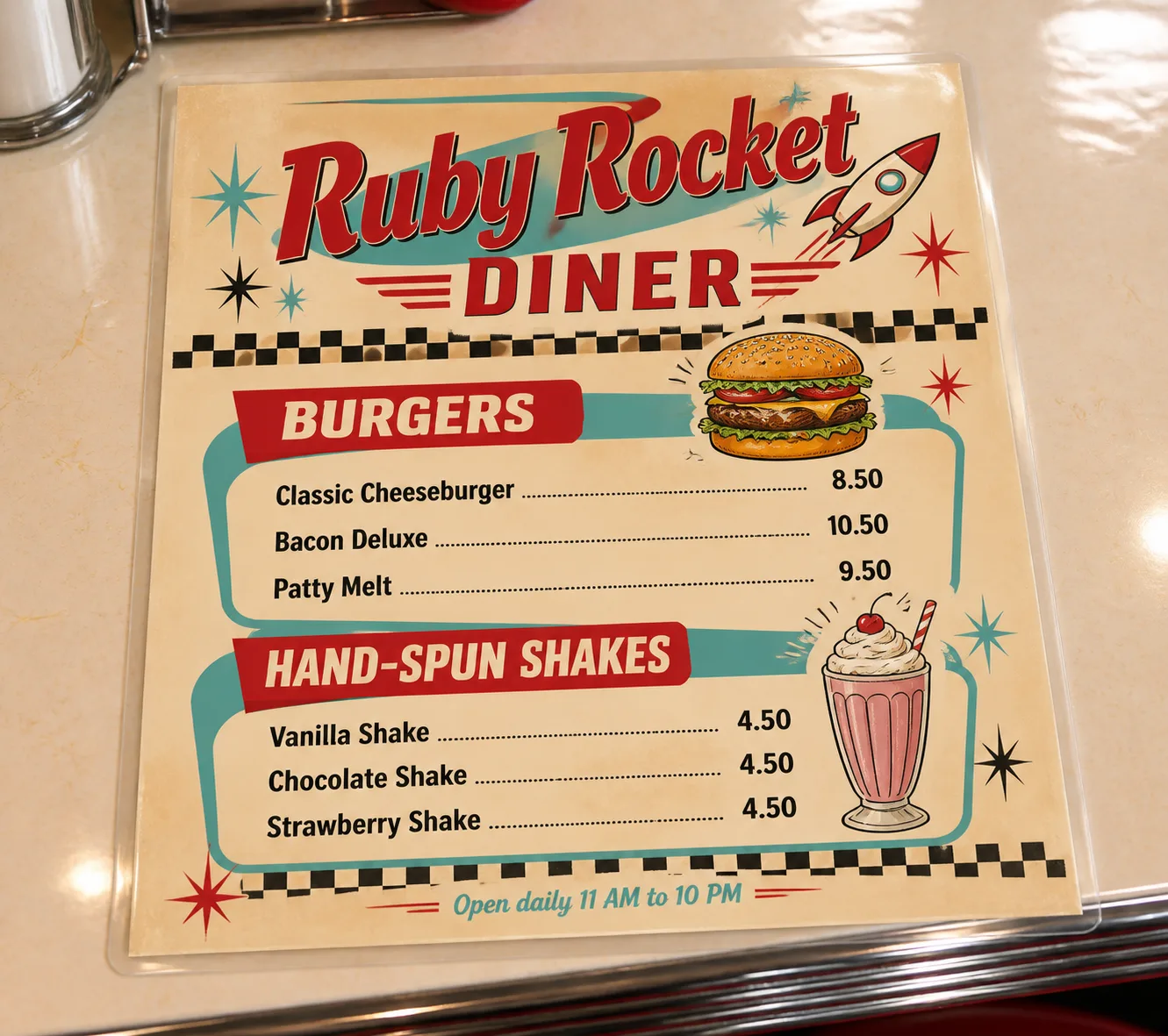
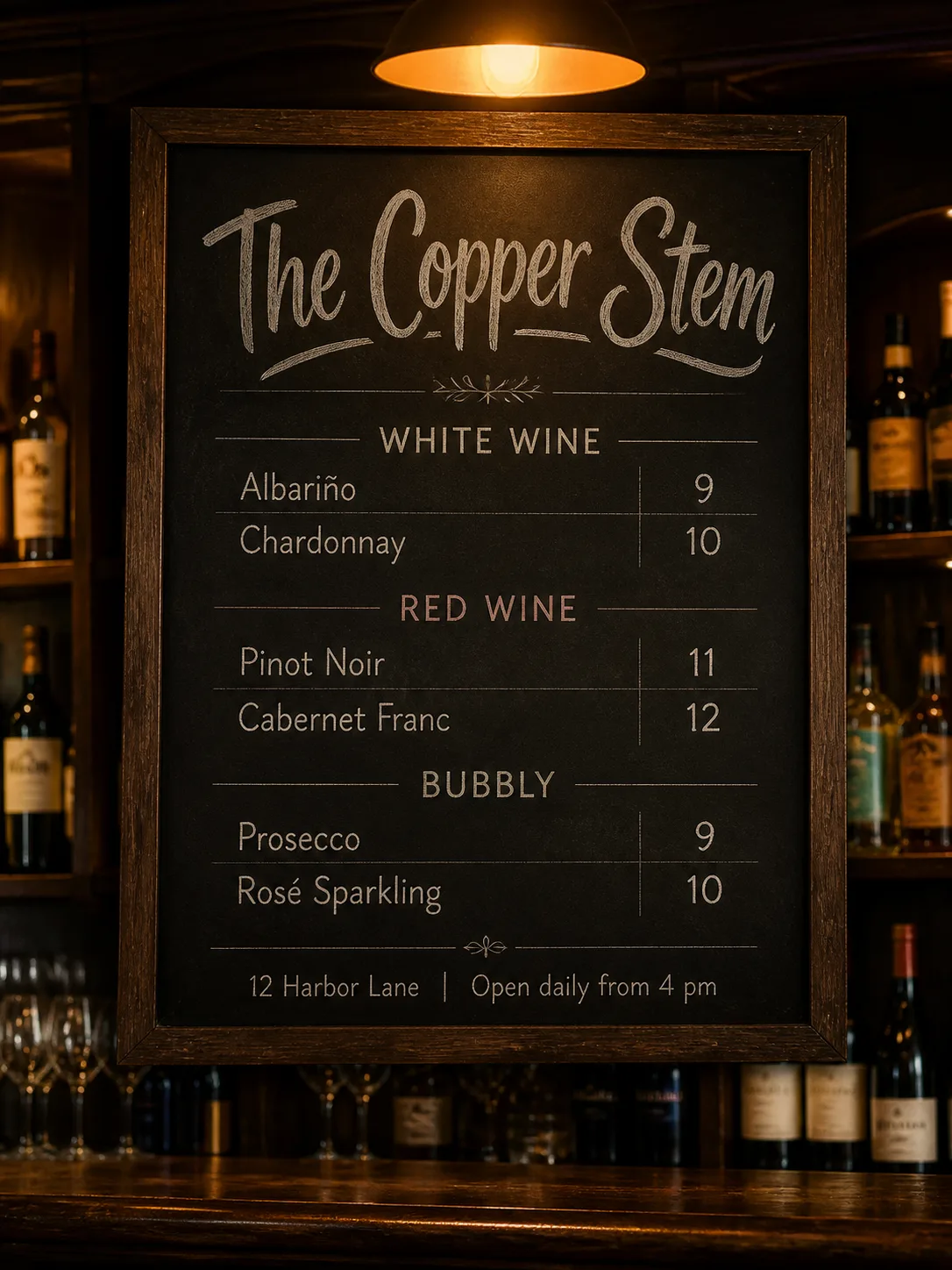
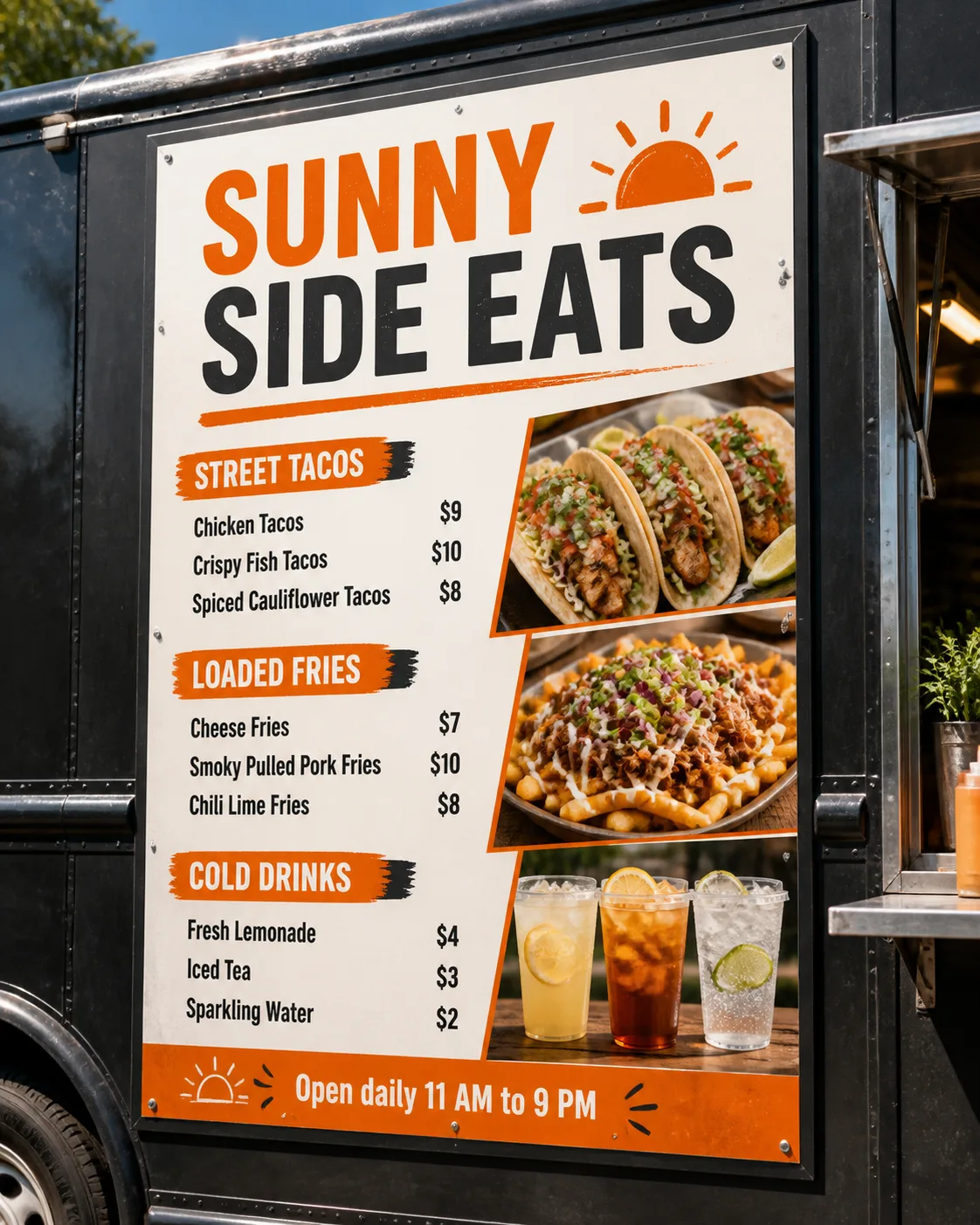
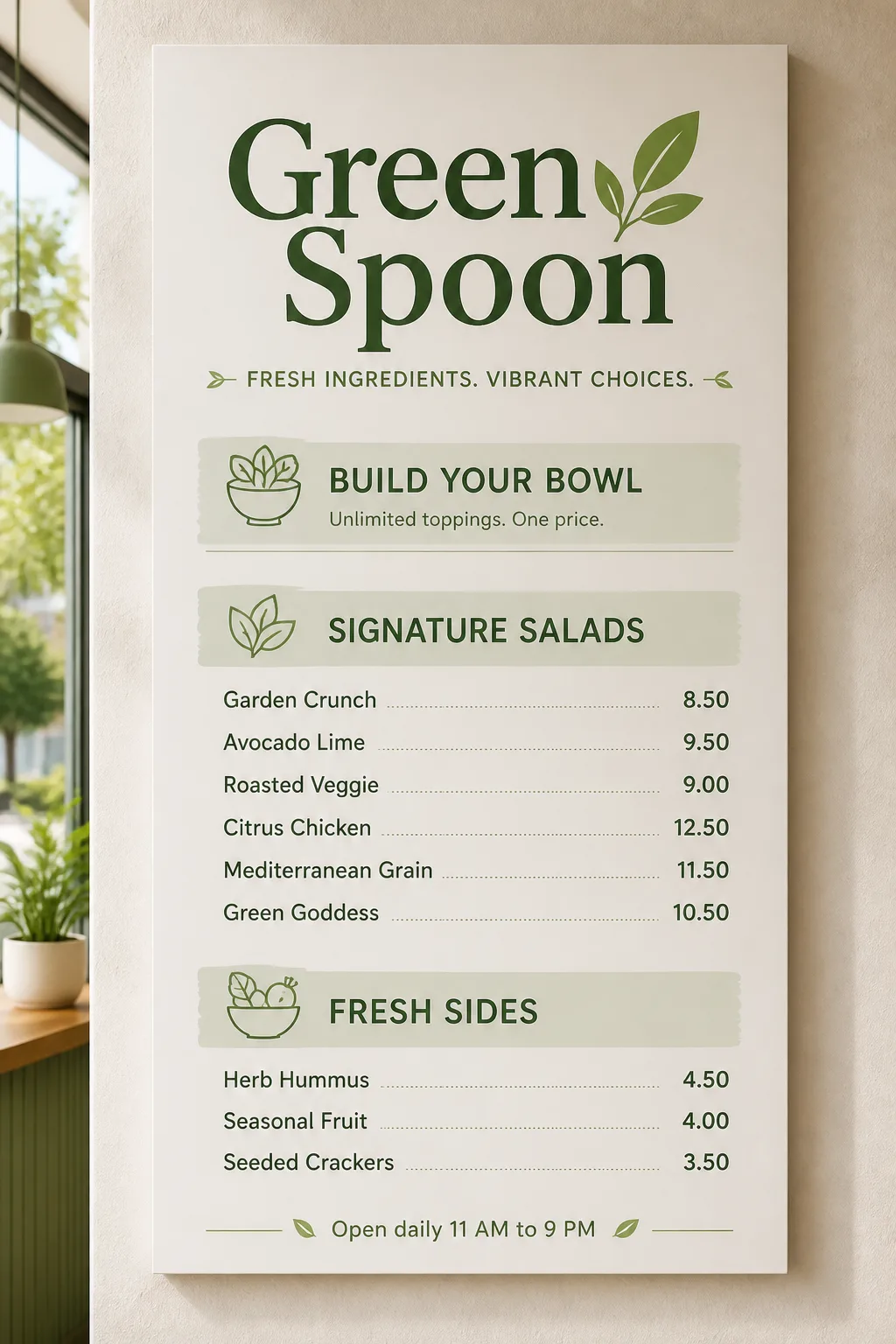
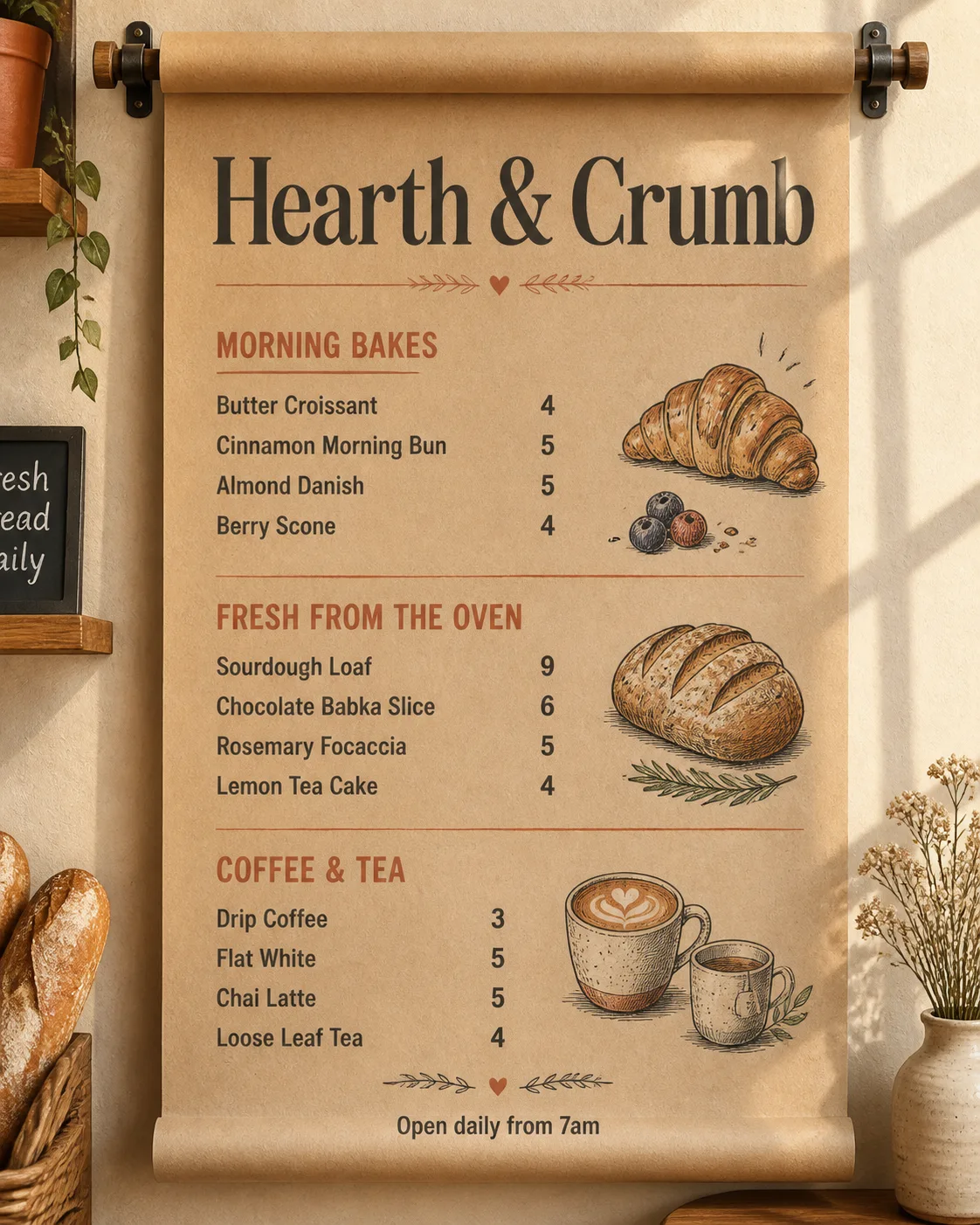
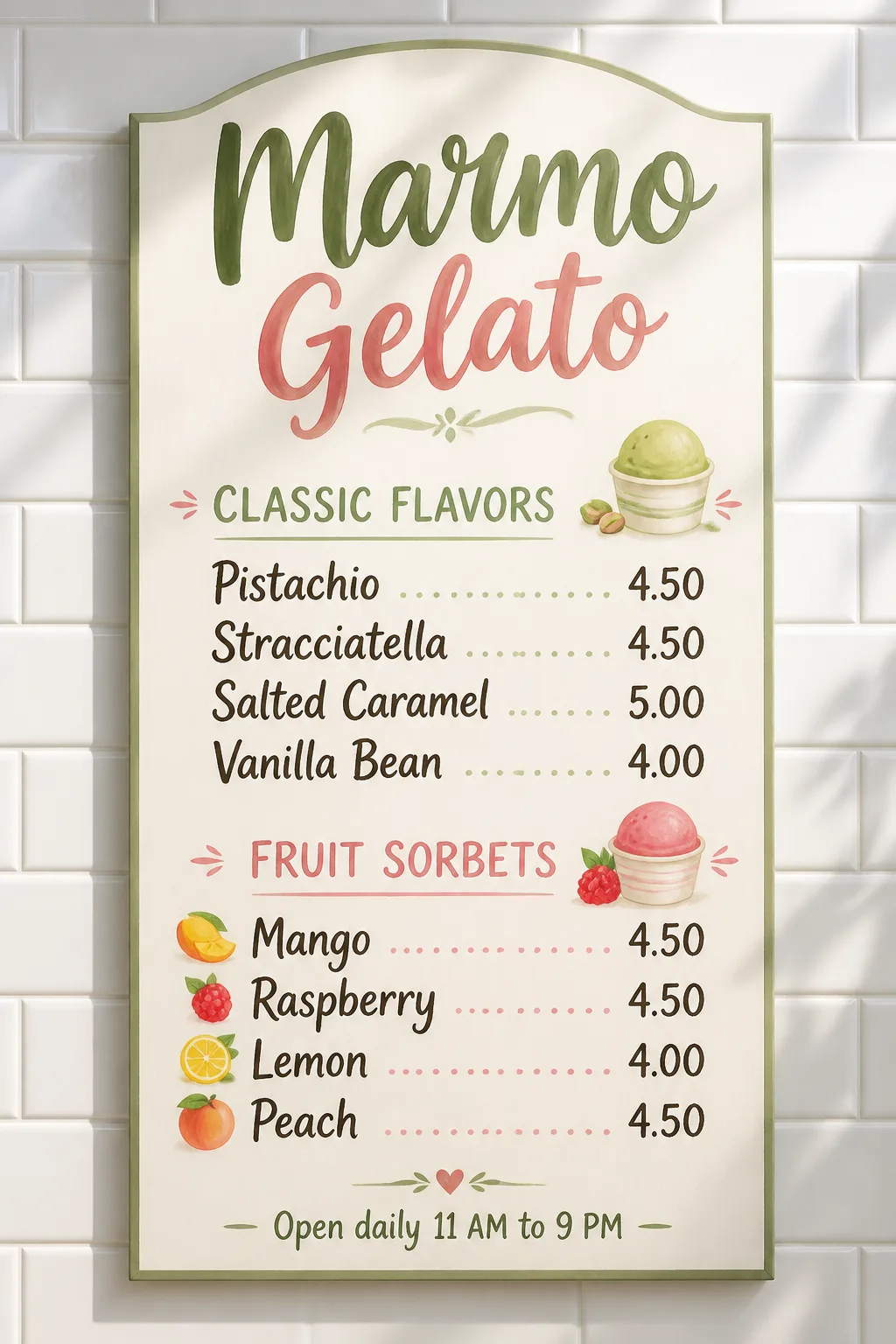
Design one complete diner menu in the Retro Style, presented as a flat top-down mockup on the Laminated Counter. Use the Color Palette throughout, with a cheerful 1950s American diner composition and restrained checkerboard accents, starbursts and hand-drawn food motifs that support the layout without crowding it.

Place the Venue Name as the largest element at the top. Organize the menu into the Section Headings, with the first three Item Names under the first heading and the remaining three under the second. Pair each Item Name with its corresponding entry from Prices, using a consistent grid with prices clearly right-aligned. Render the Footer Line in a small, unobtrusive position near the bottom.

Use no more than two typefaces: a bold retro display face for the venue and section headings, plus a highly legible supporting face for menu text. Keep the copy sparse, correctly spelled and fully readable. Show realistic laminated surface glare, soft overhead lighting and believable contact shadows. Make it feel like professionally printed diner ephemera, not a clip-art template. No watermarks, logos, QR codes or border around the image itself.

Use these details:
Venue Name: "Ruby Rocket Diner"
Section Headings: ["Burgers", "Hand-Spun Shakes"]
Item Names: ["Classic Cheeseburger", "Bacon Deluxe", "Patty Melt", "Vanilla Shake", "Chocolate Shake", "Strawberry Shake"]
Prices: ["8.50", "10.50", "9.50", "4.50", "4.50", "4.50"]
Footer Line: "Open daily 11 AM to 10 PM"
Color Palette: "cherry red, turquoise, cream and black"
Retro Style: "1950s American diner lettering, starbursts, checkerboard accents and gentle vintage wear"
Laminated Counter: "a glossy cream countertop with subtle reflections and rounded chrome edging"
Using your own logo, product or face? Attach it in the chat and say which of the details it replaces.
Your result will come out close to the example rather than identical to it. Change the details to make it yours.