App Screenshots
Create app screenshots, phone mockups, onboarding screens, and social graphics with GPT Image.
 GPT Image
 Nano Banana
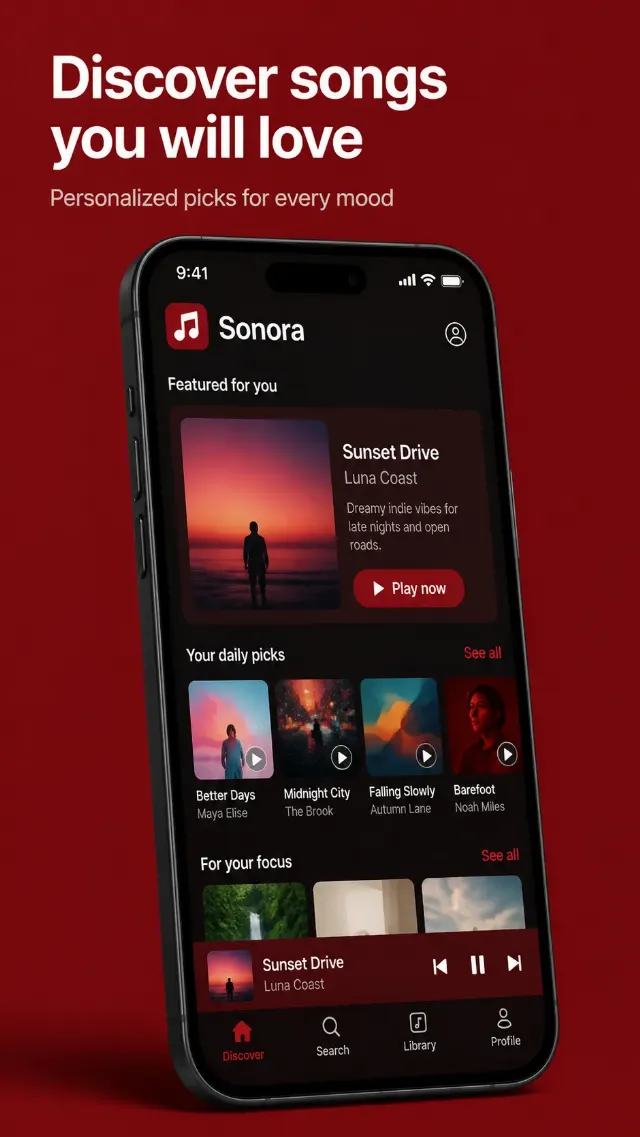
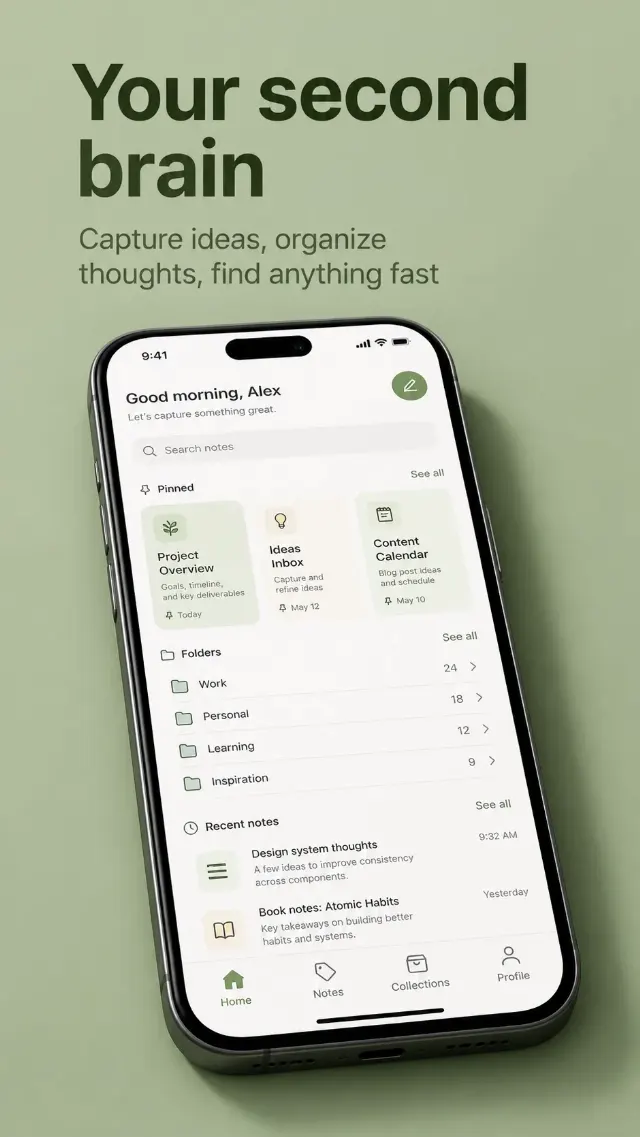
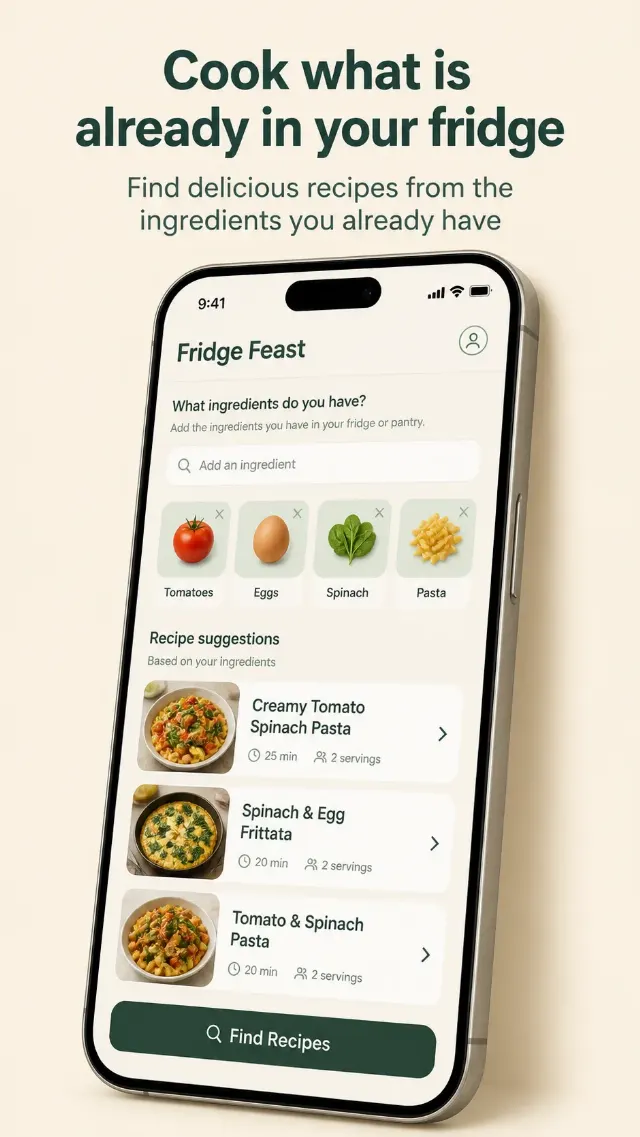
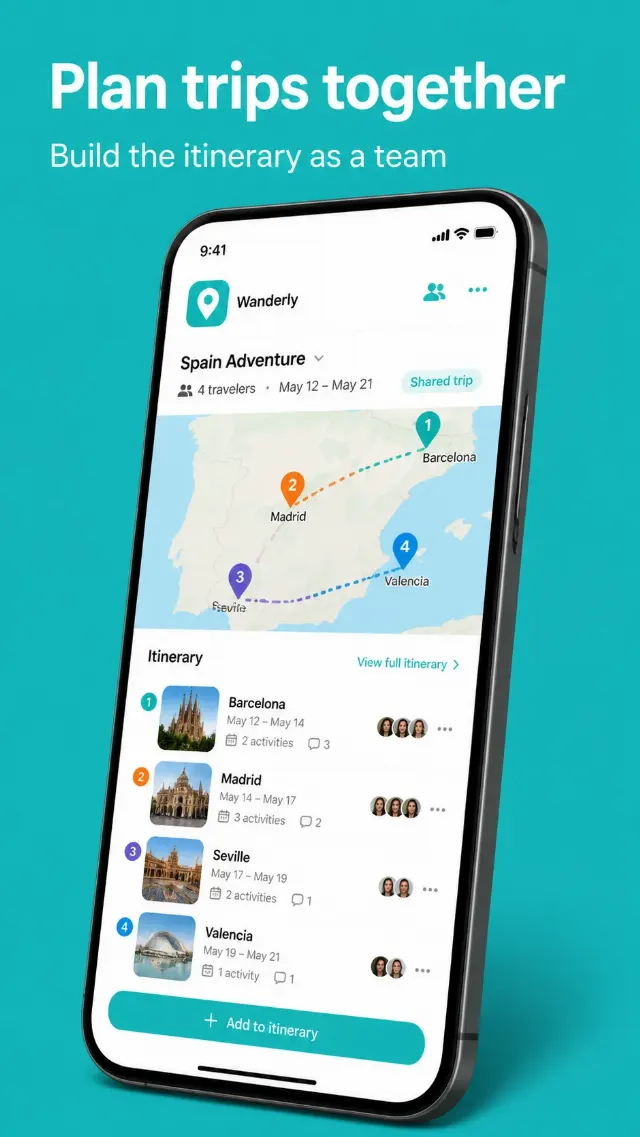
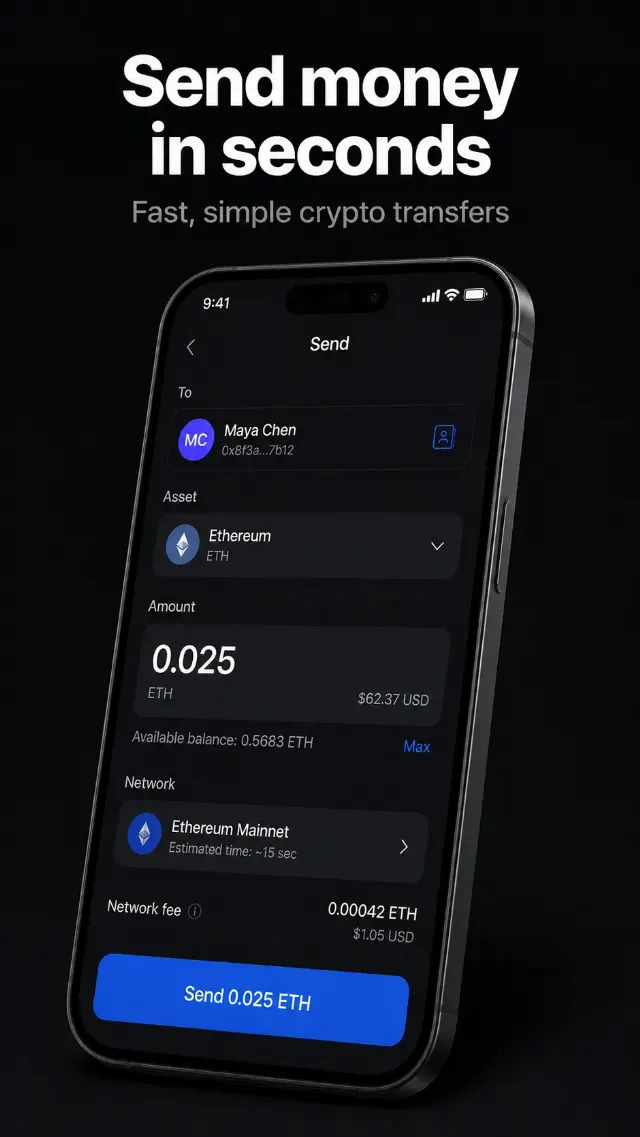
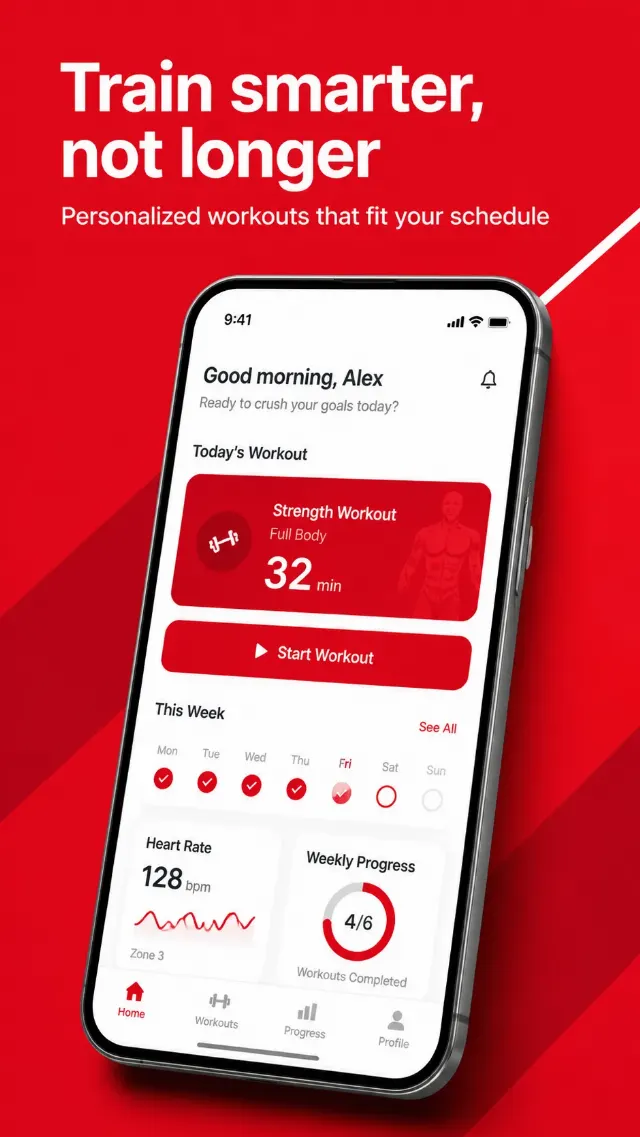
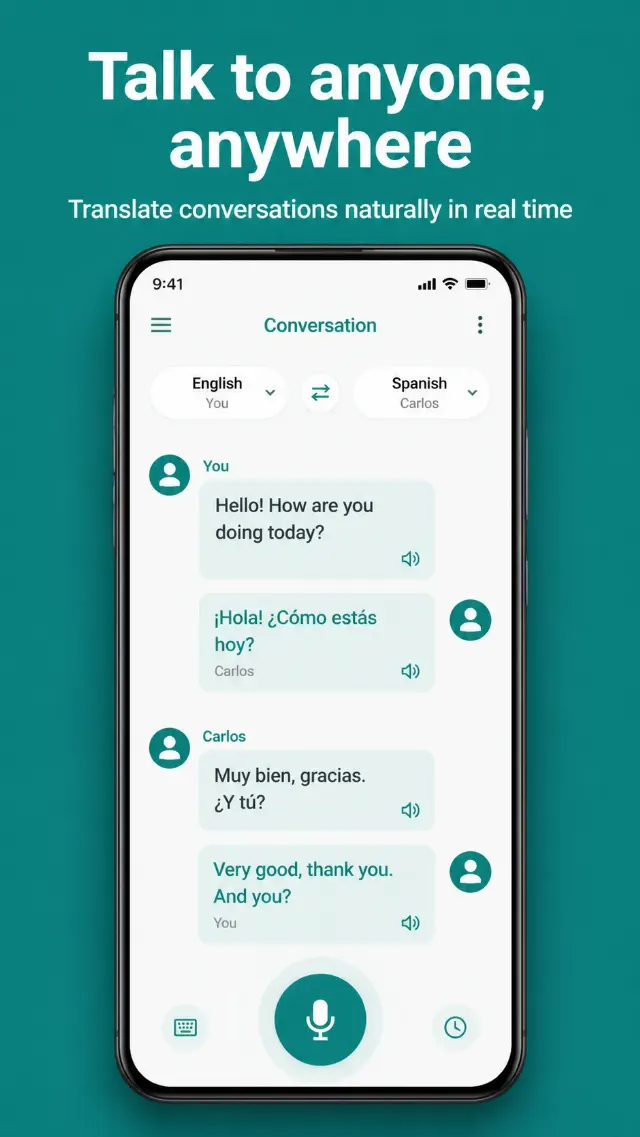
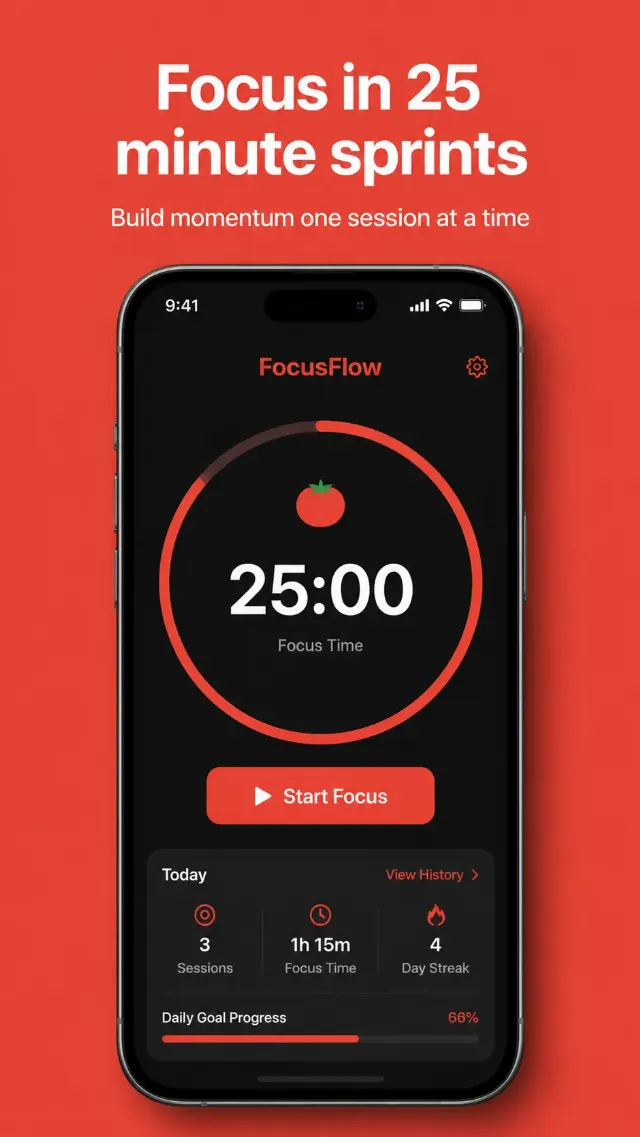
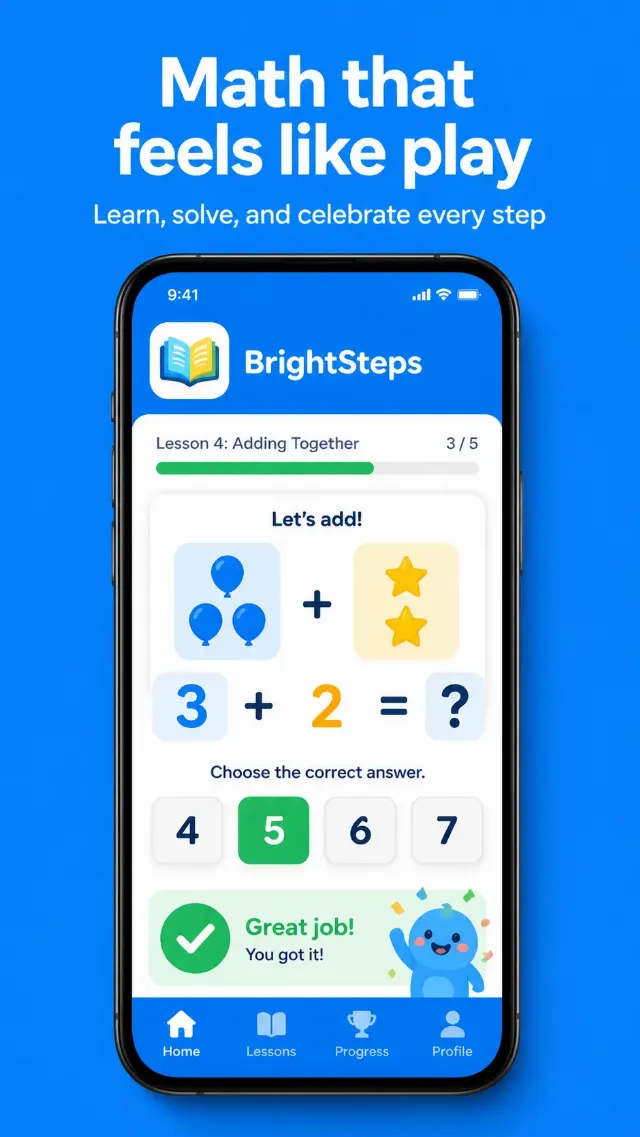
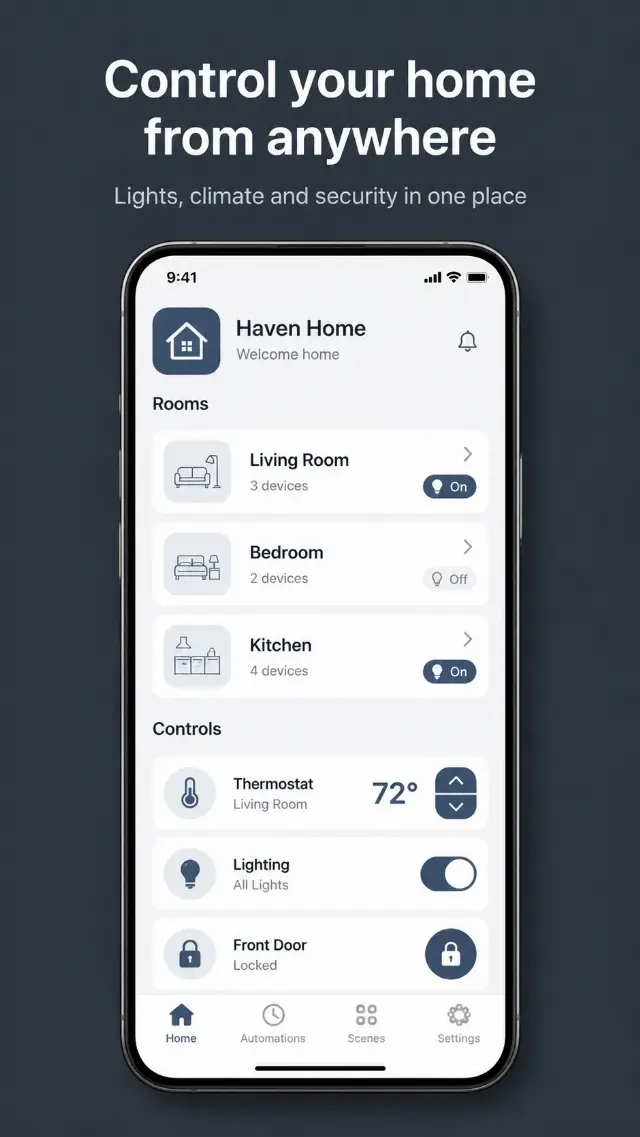
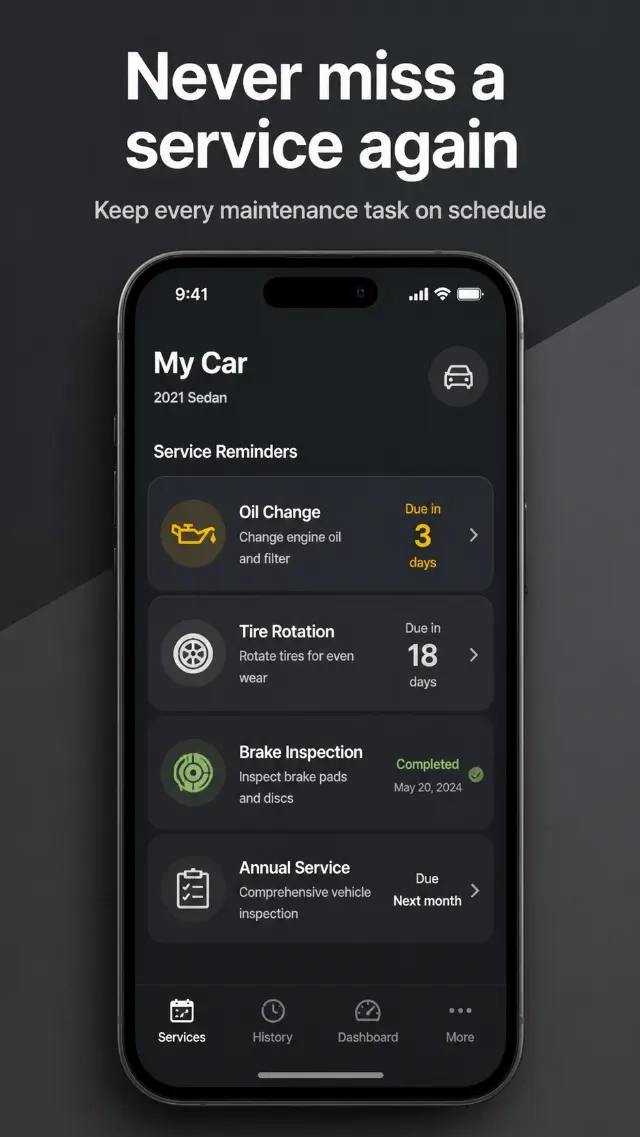
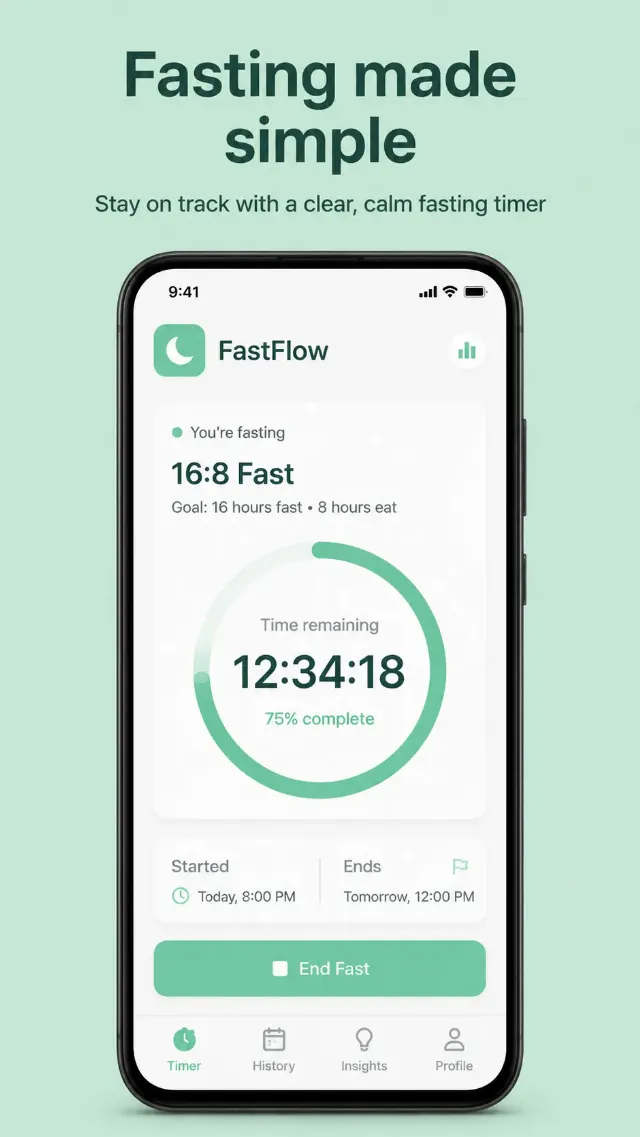
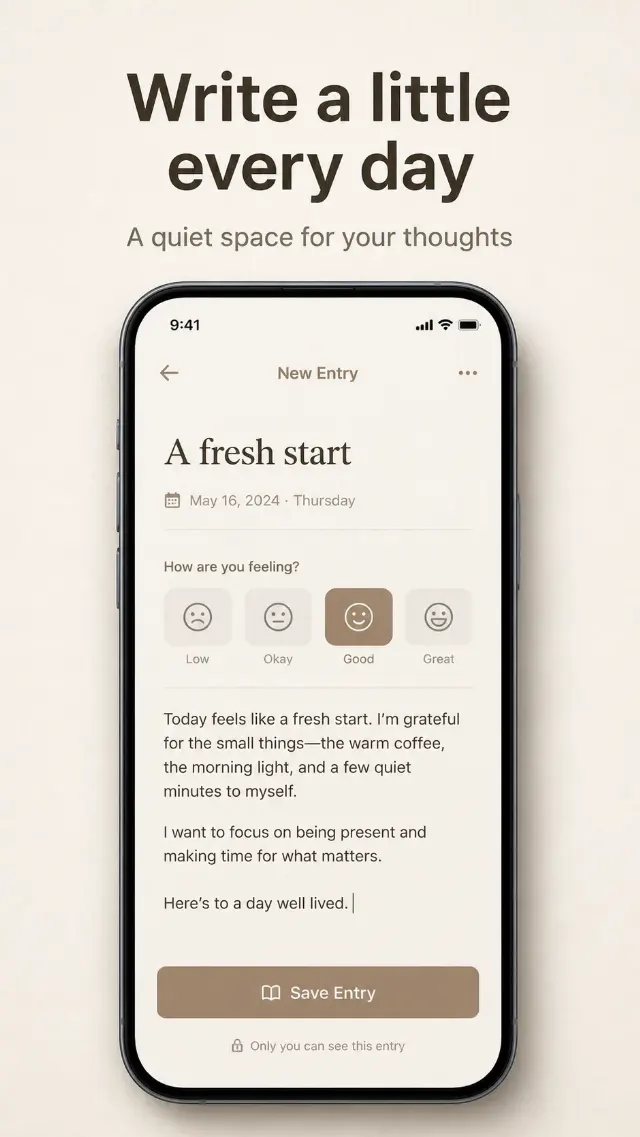
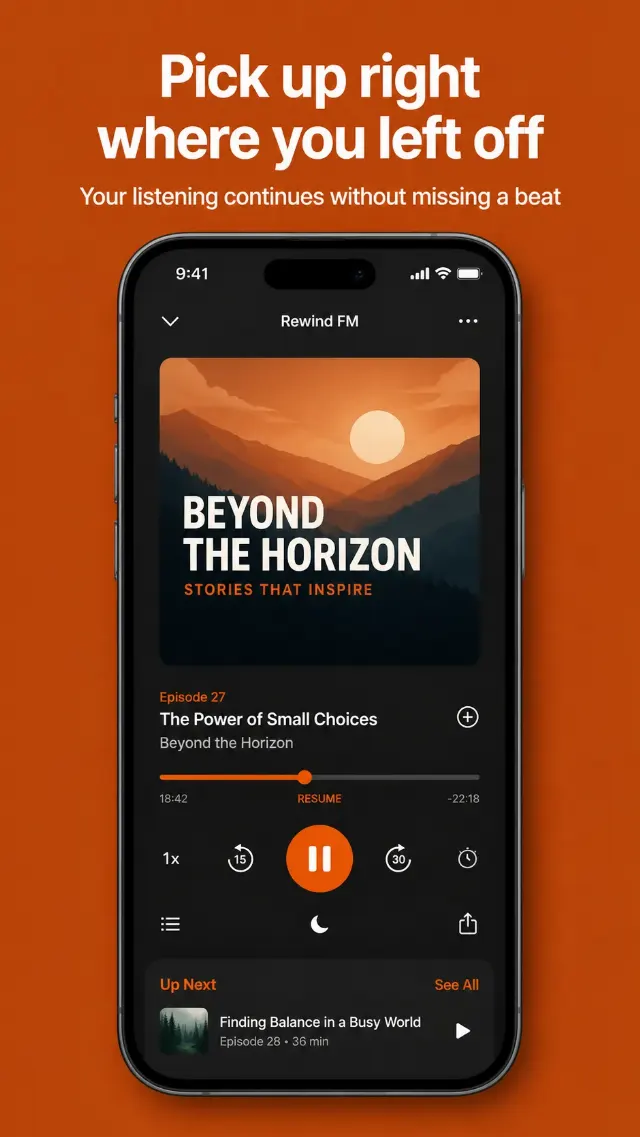
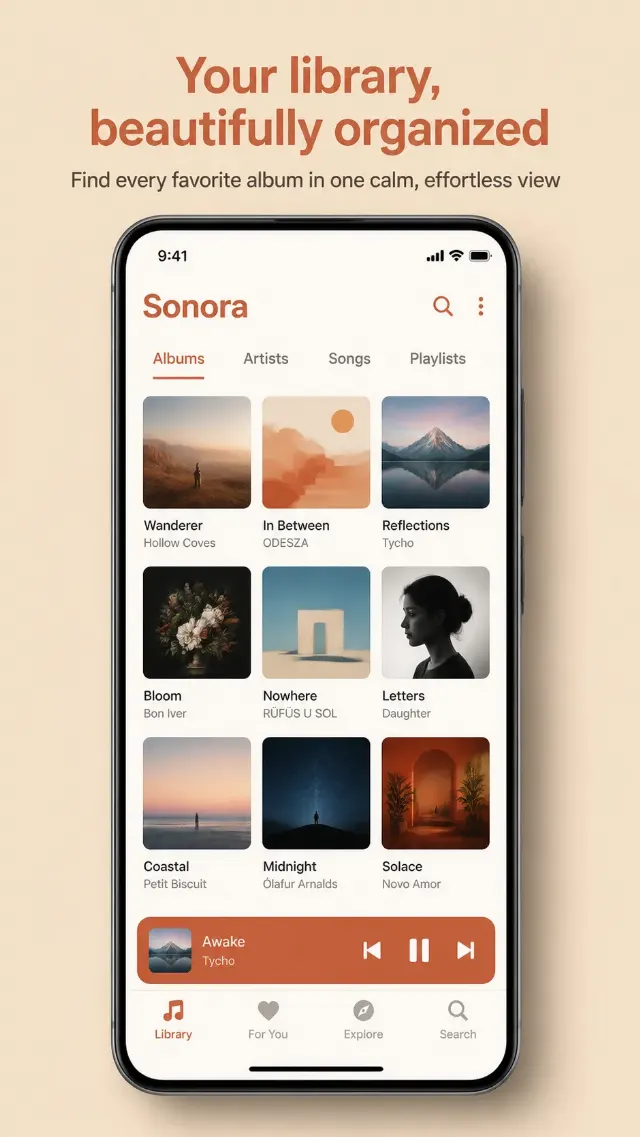
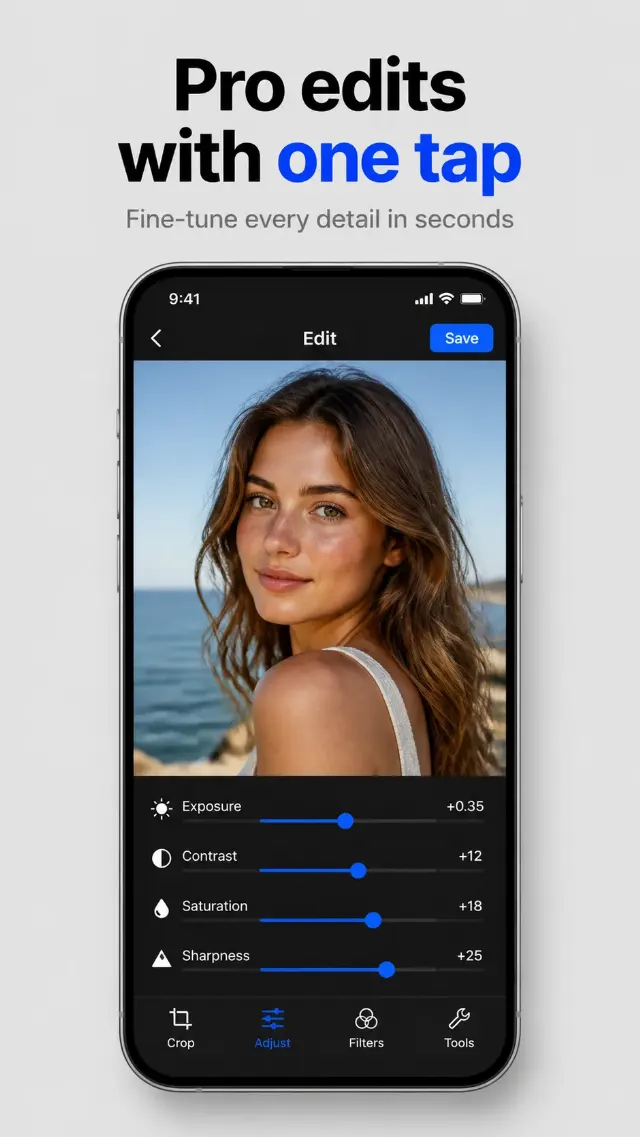
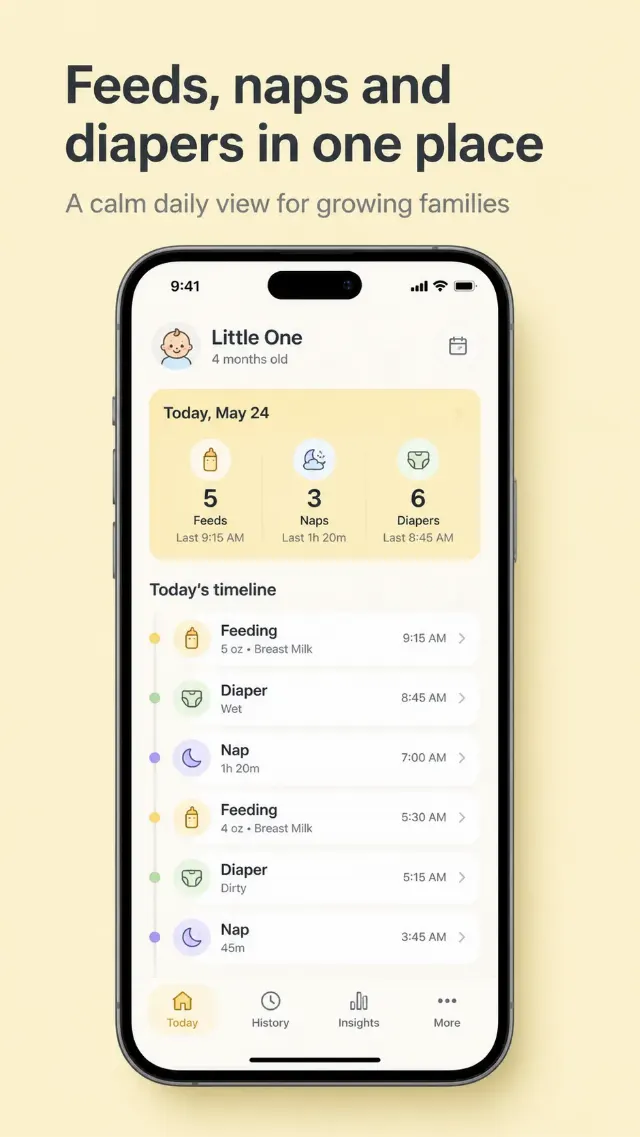
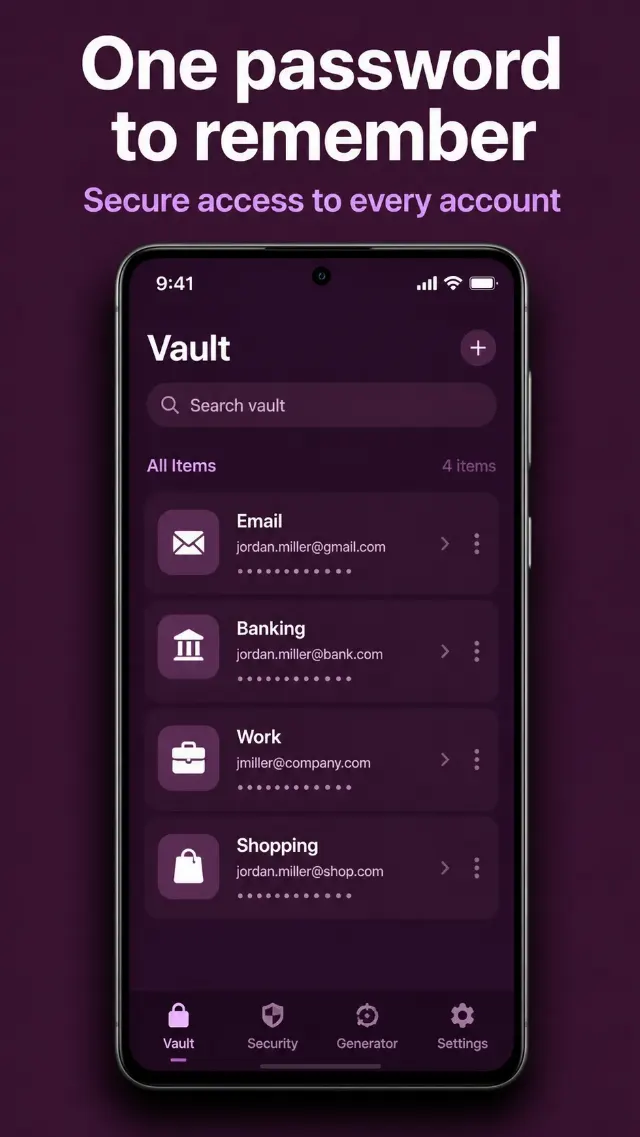
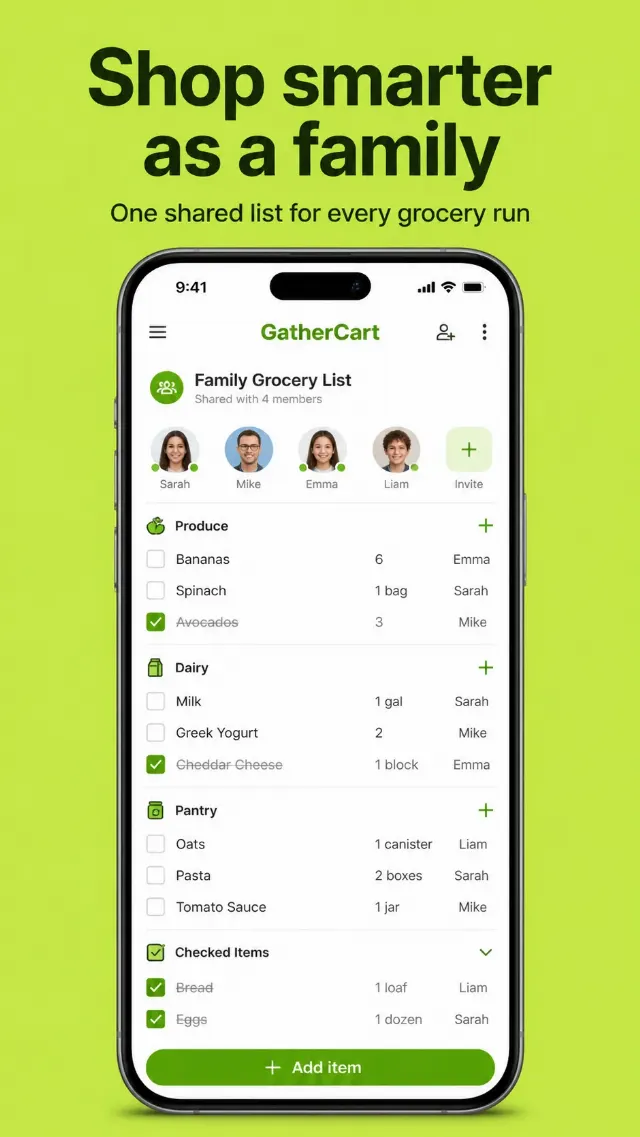
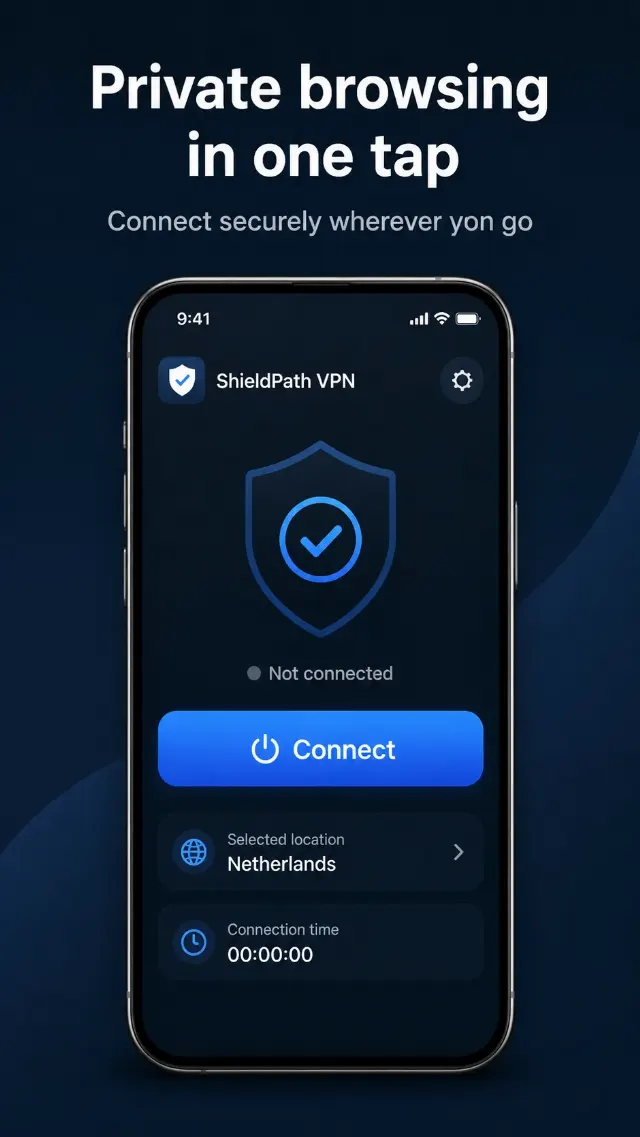
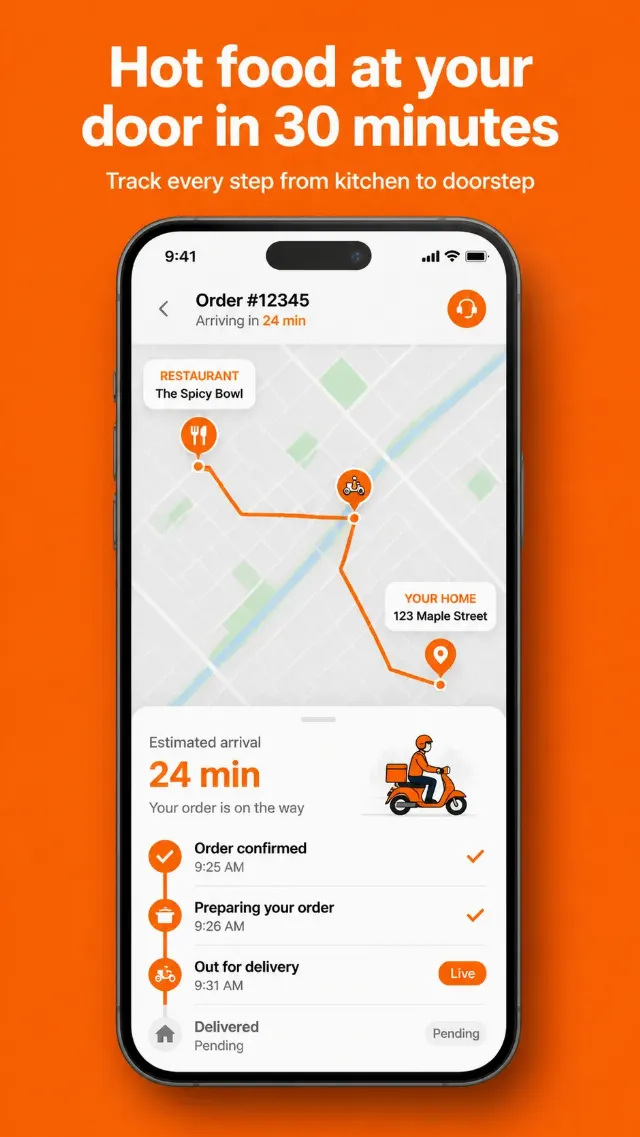
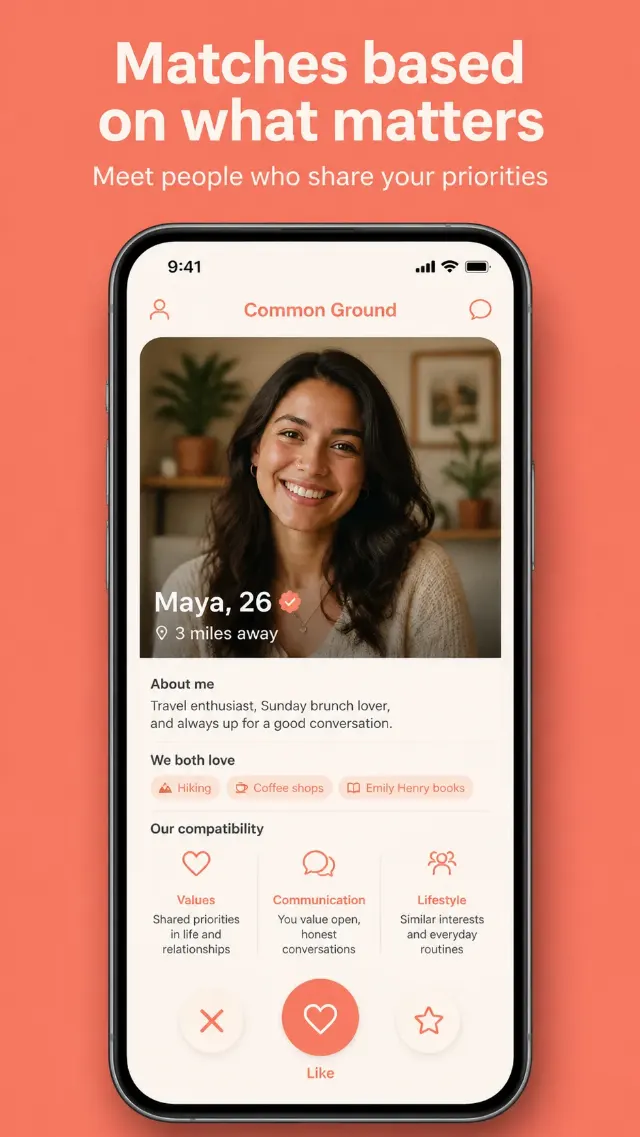
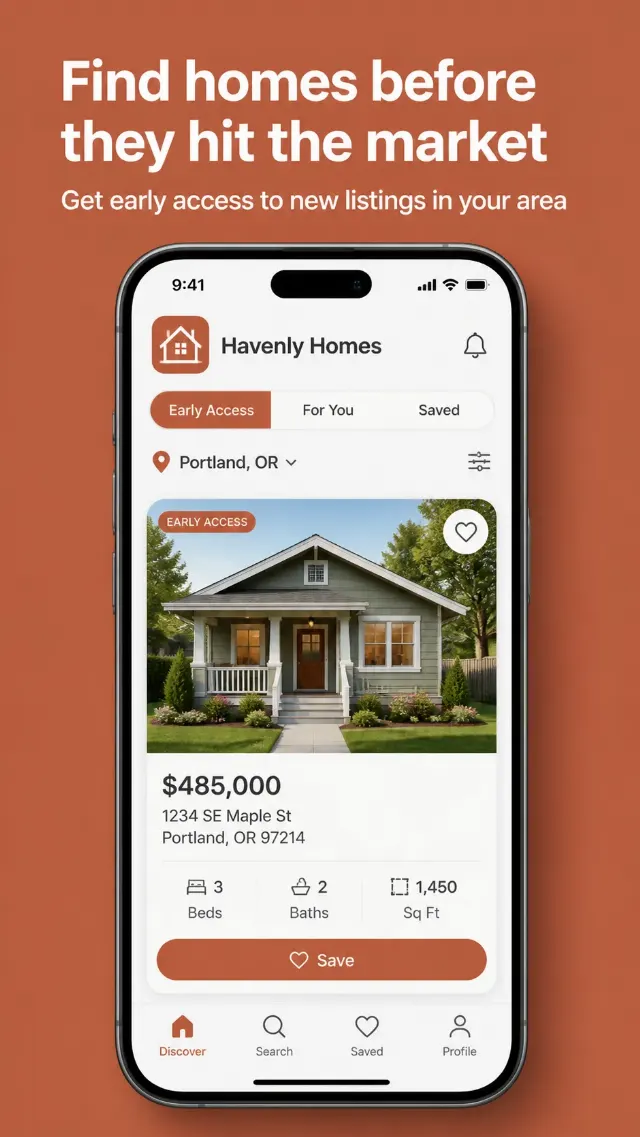
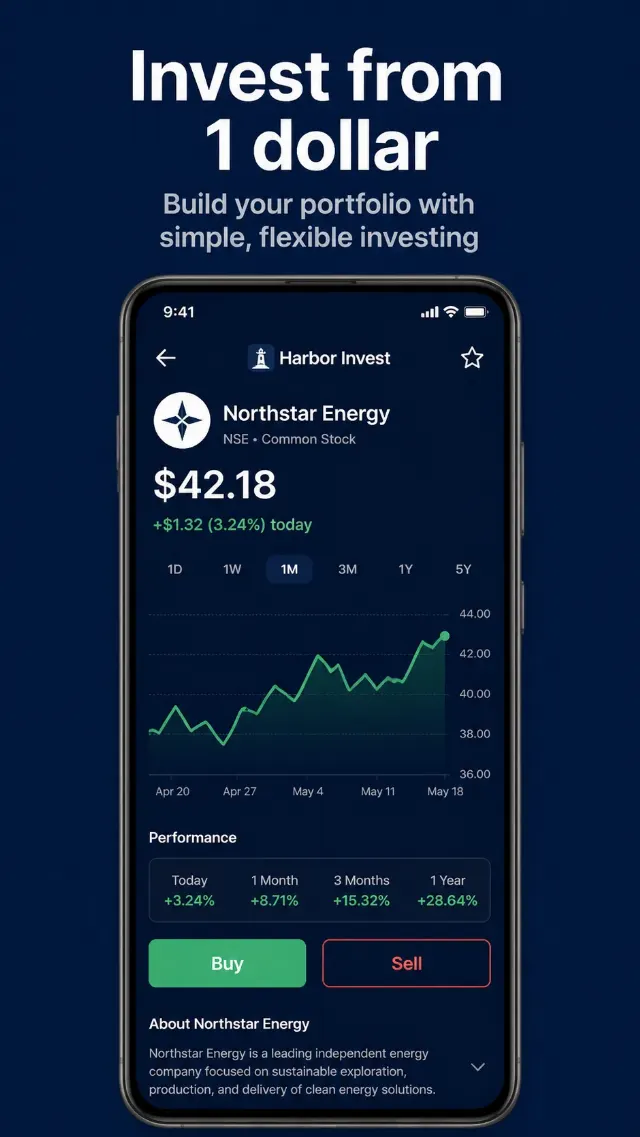
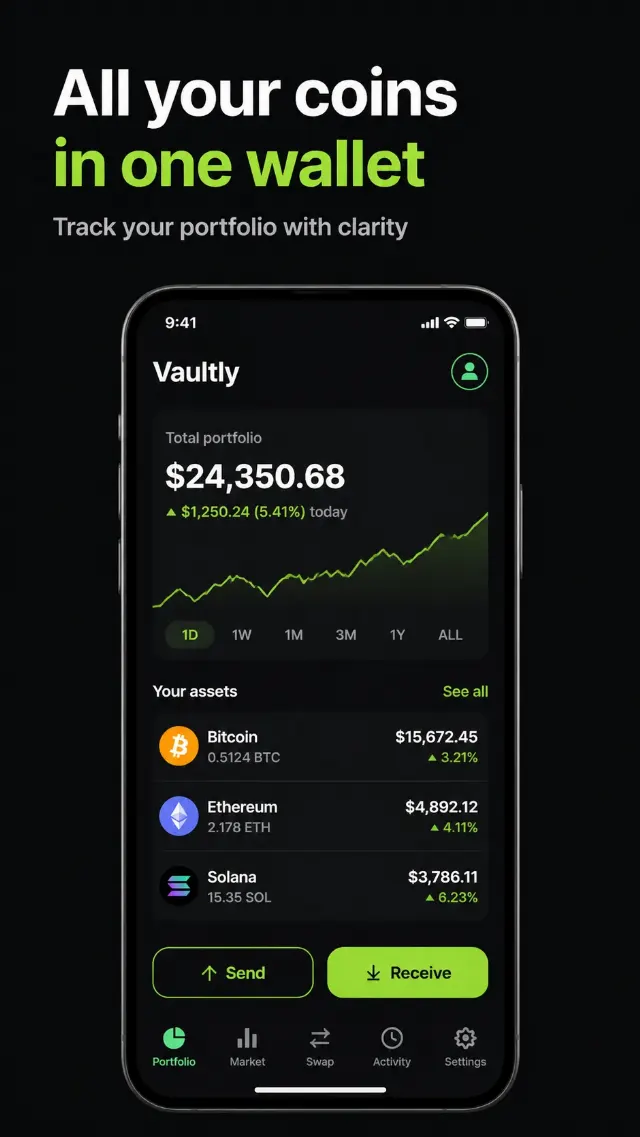
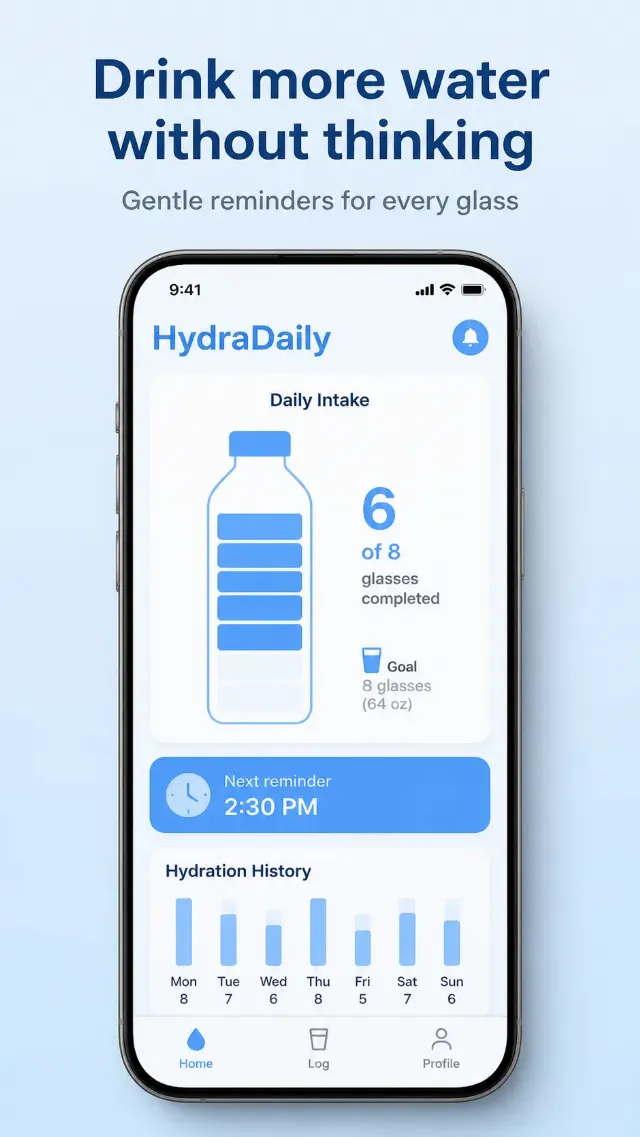
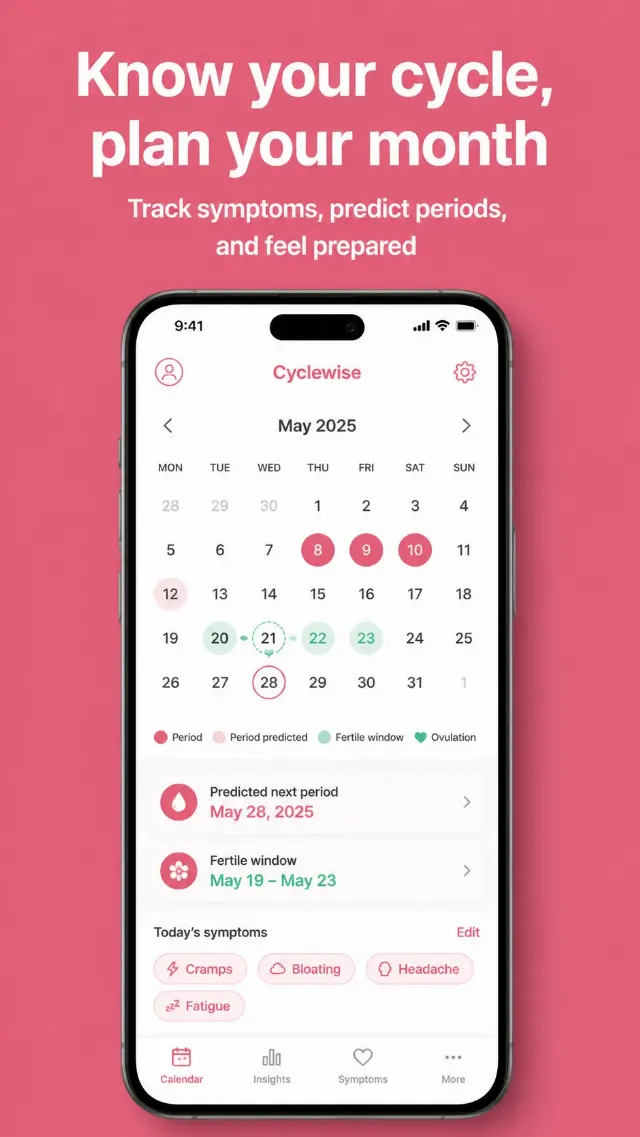
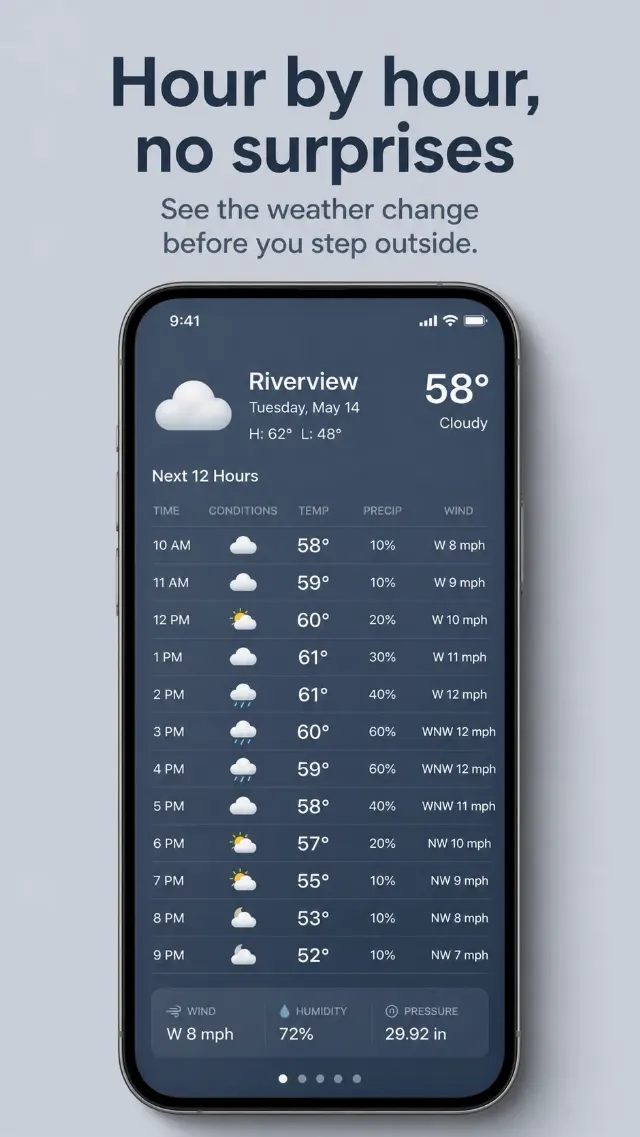
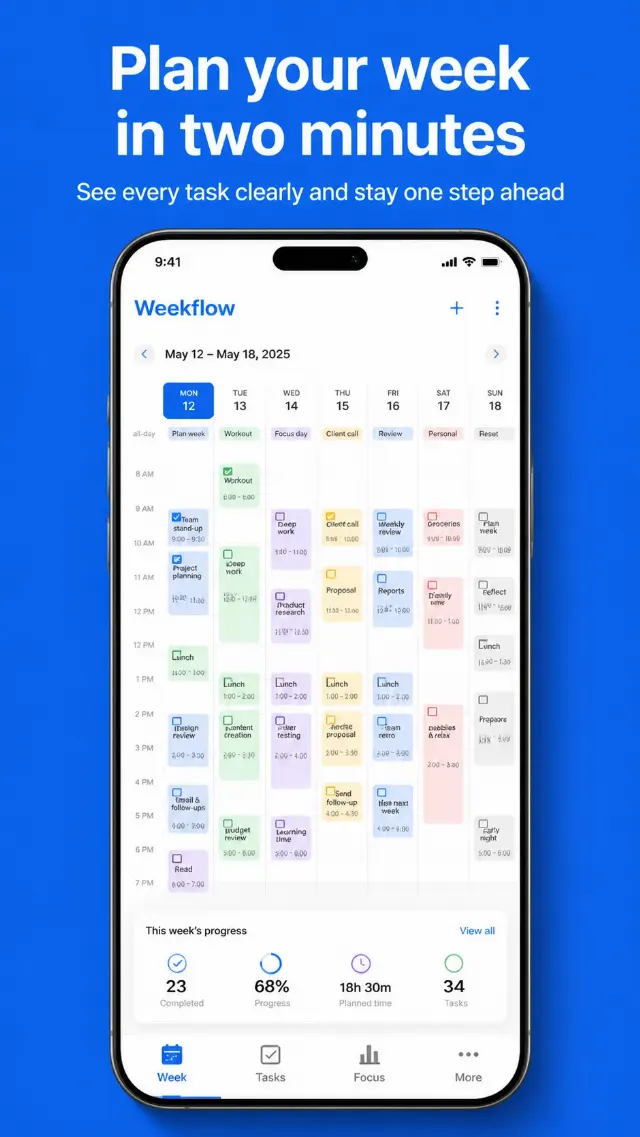
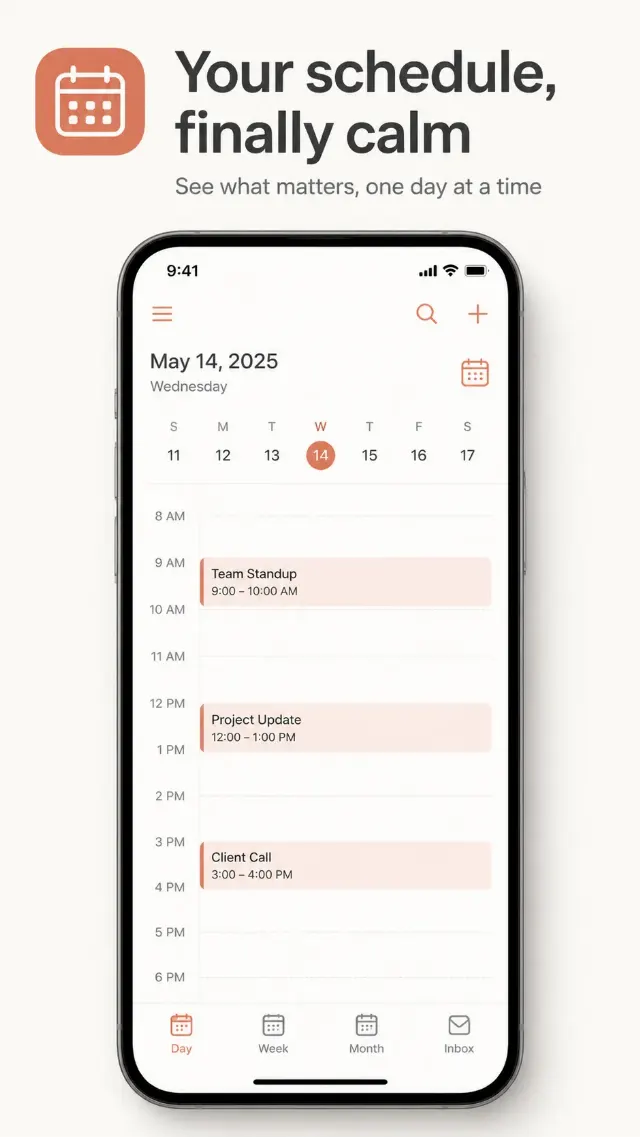
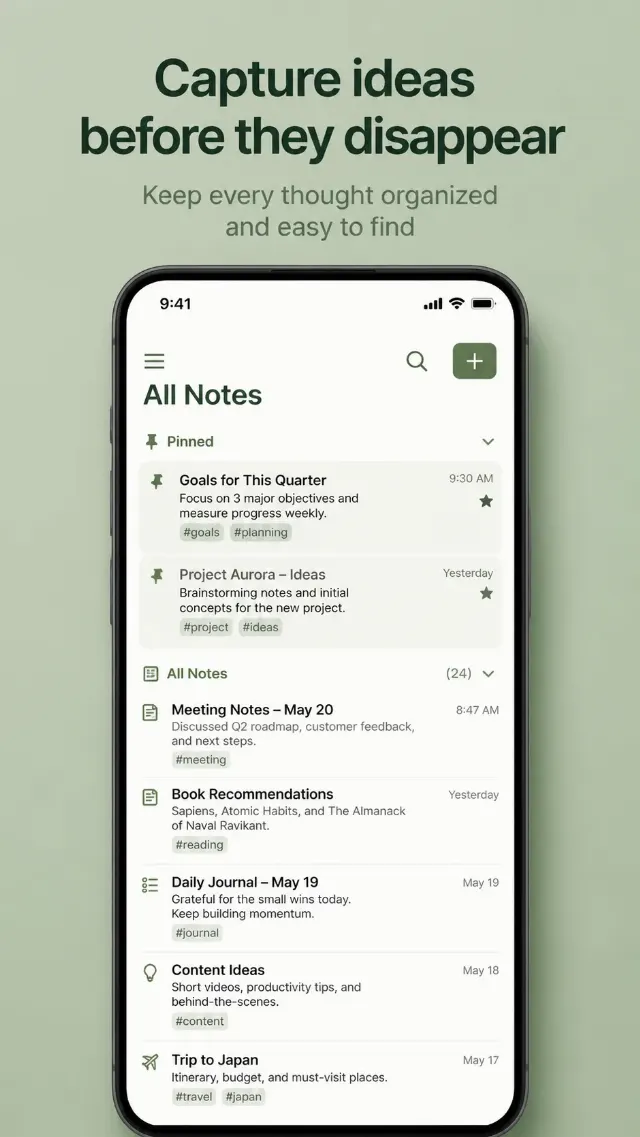
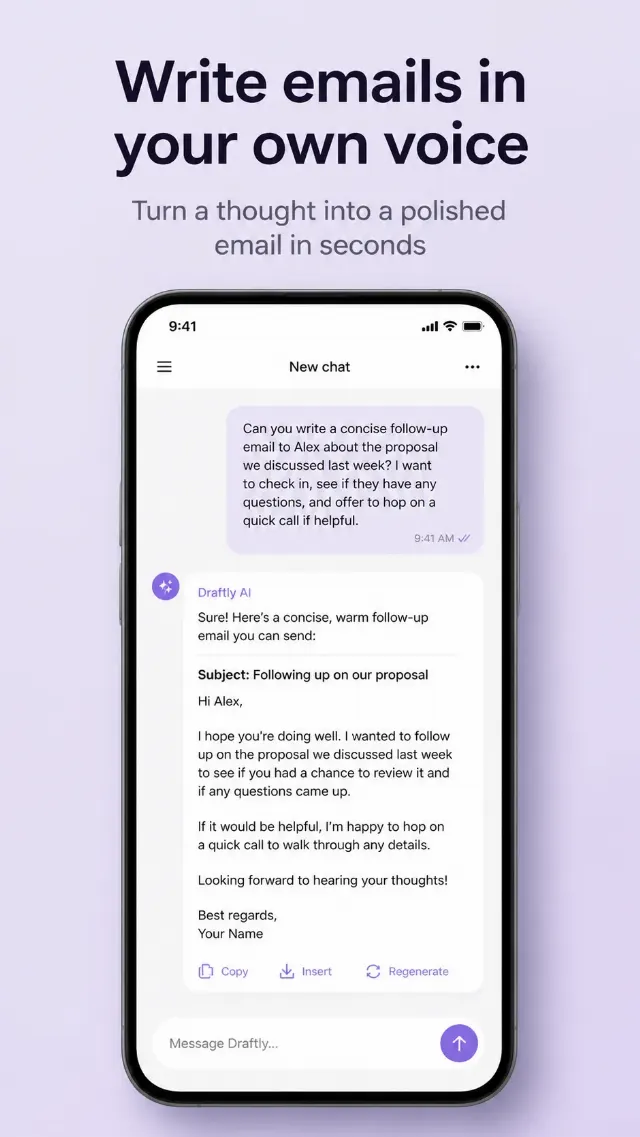
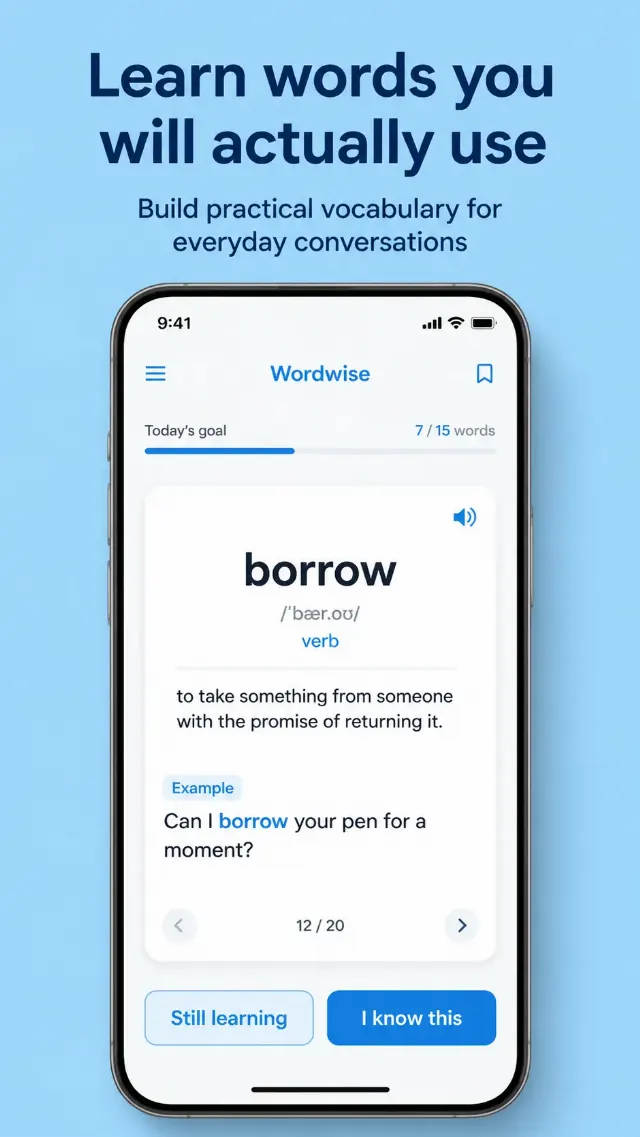
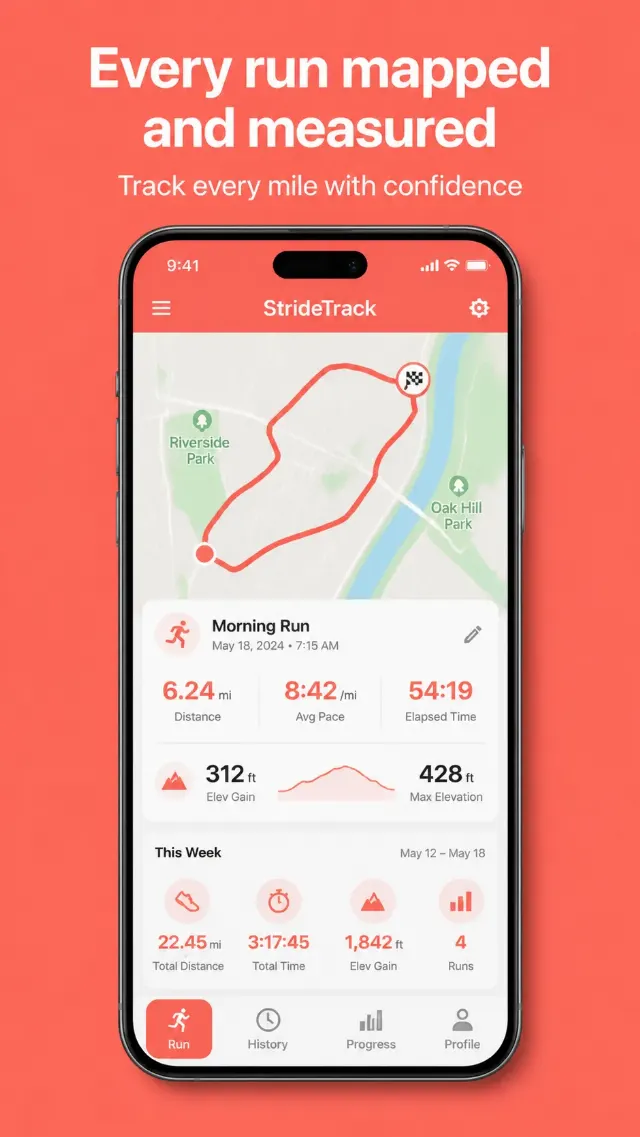
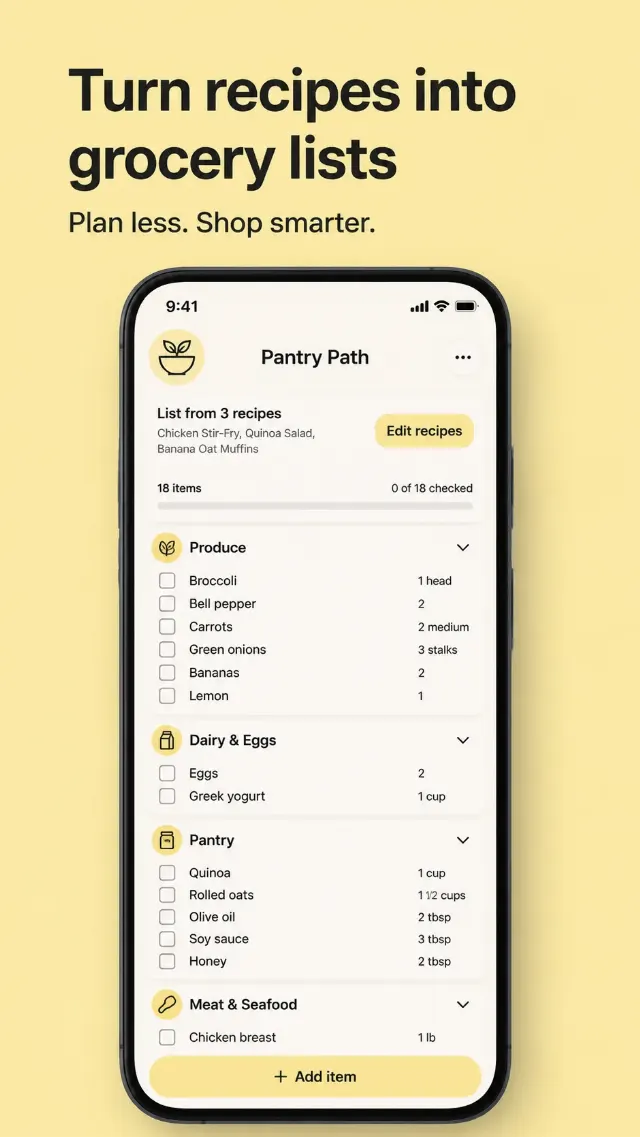
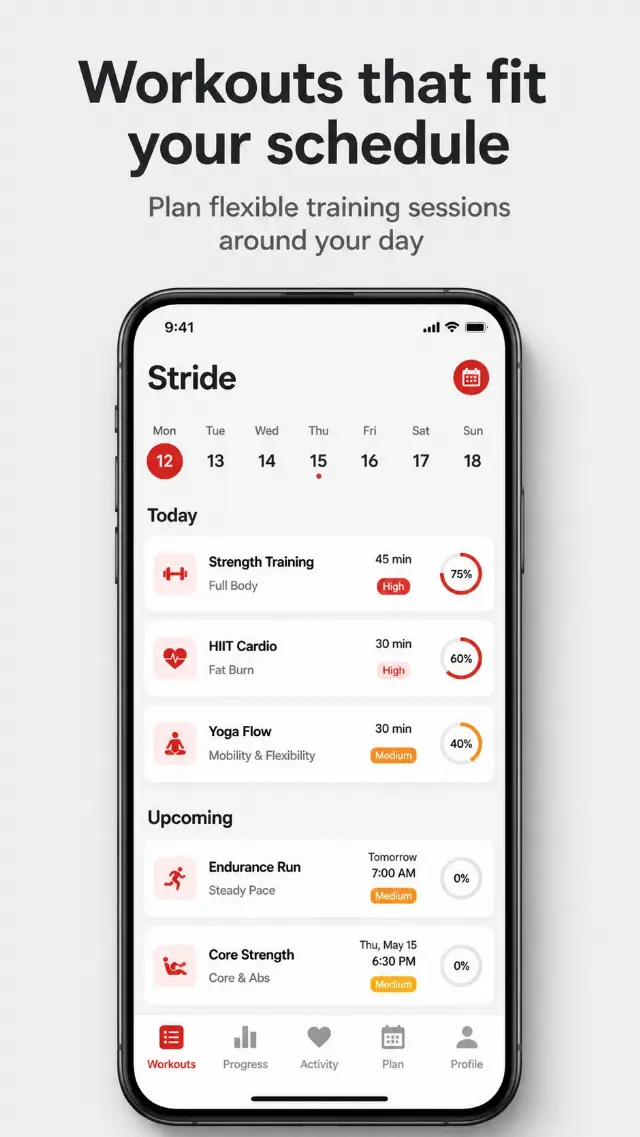
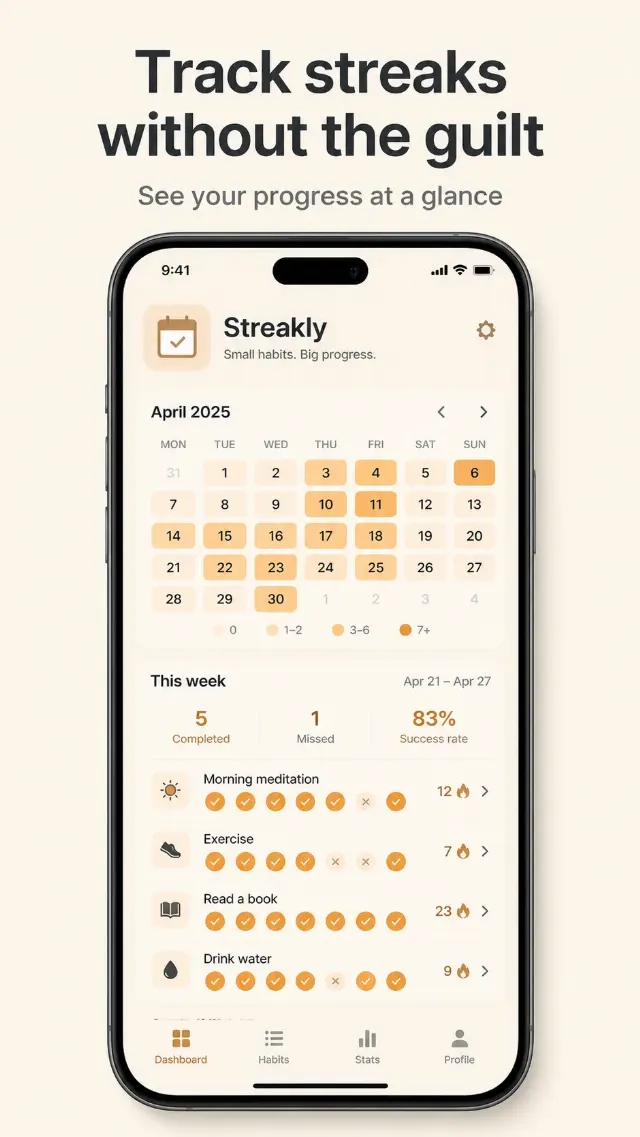
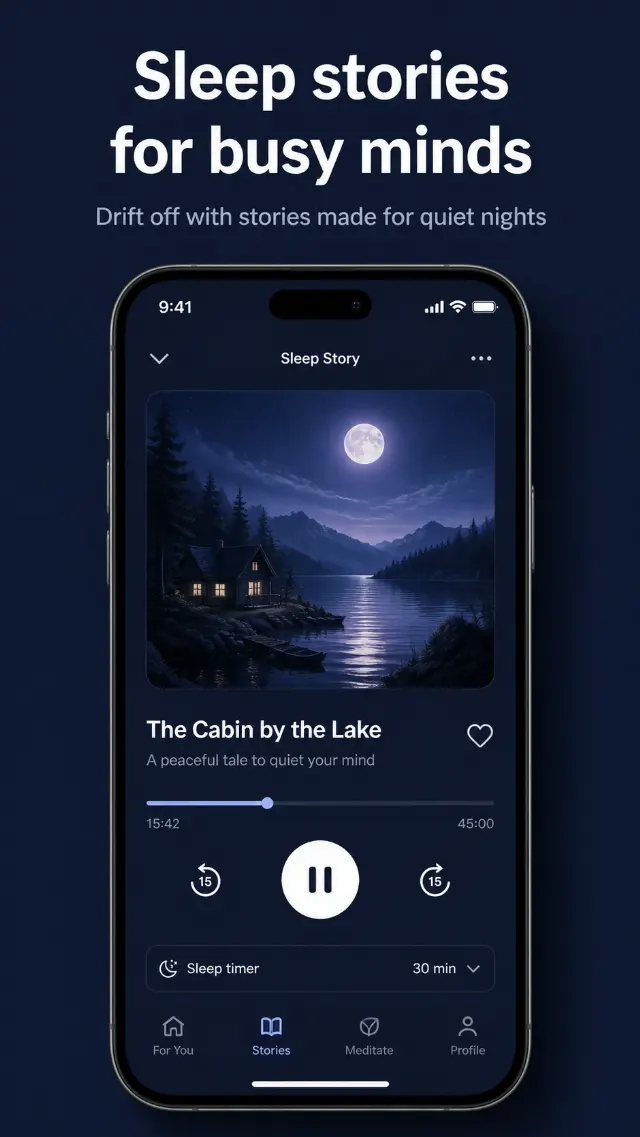
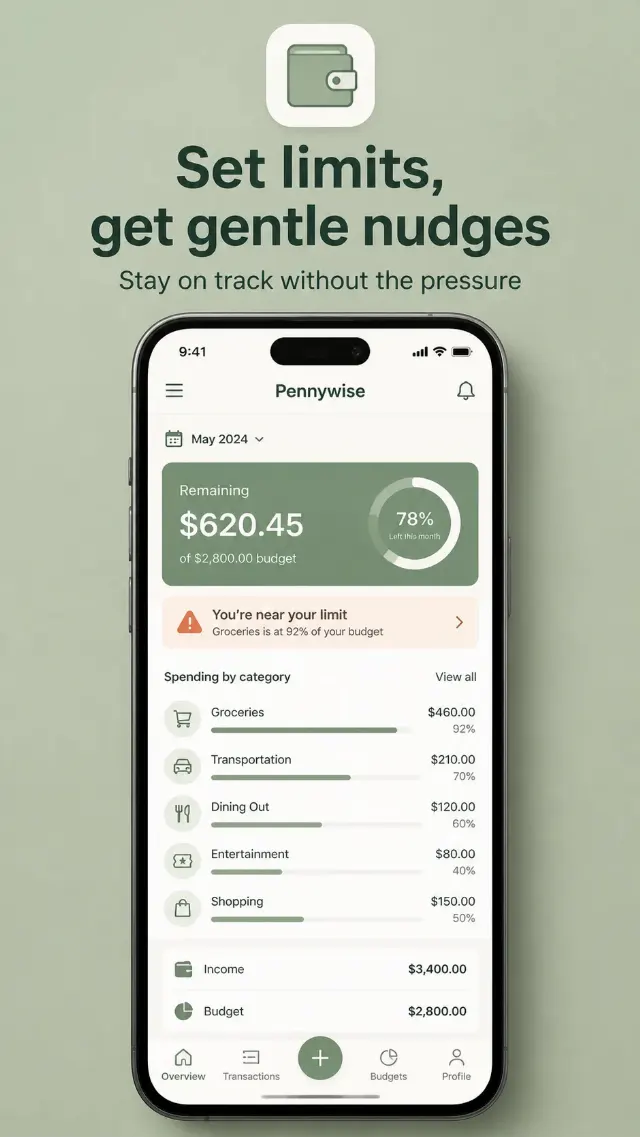
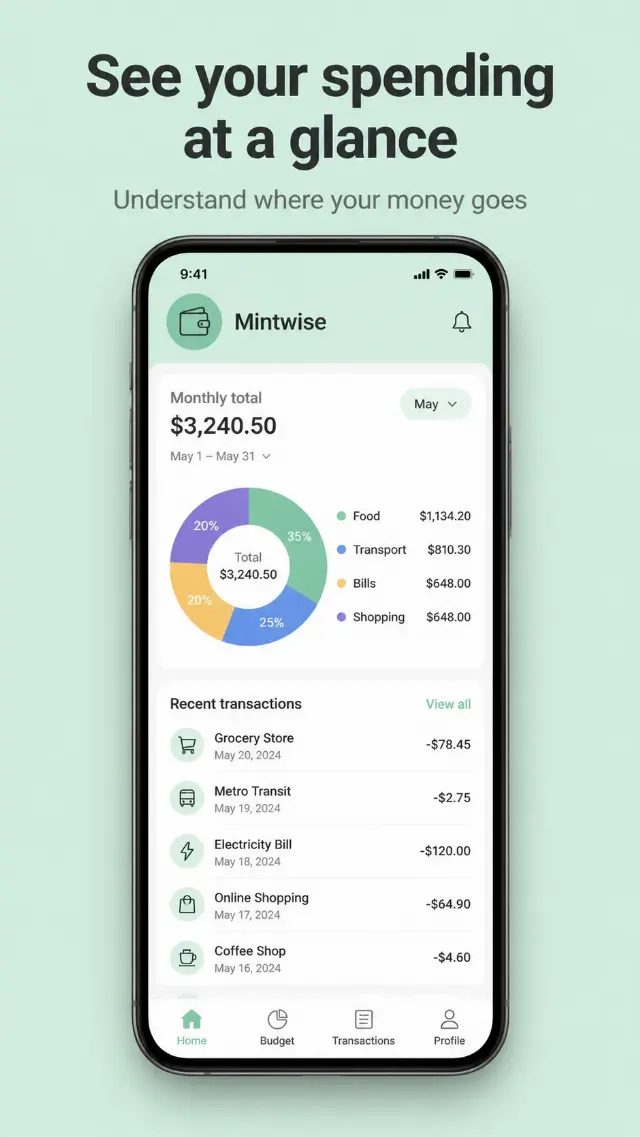
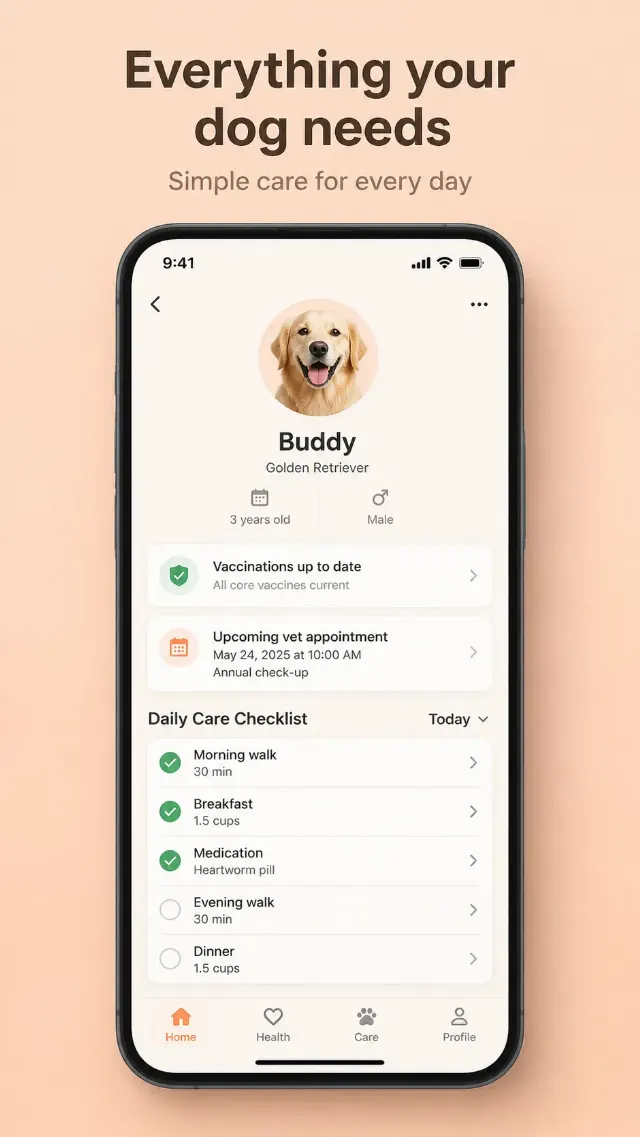
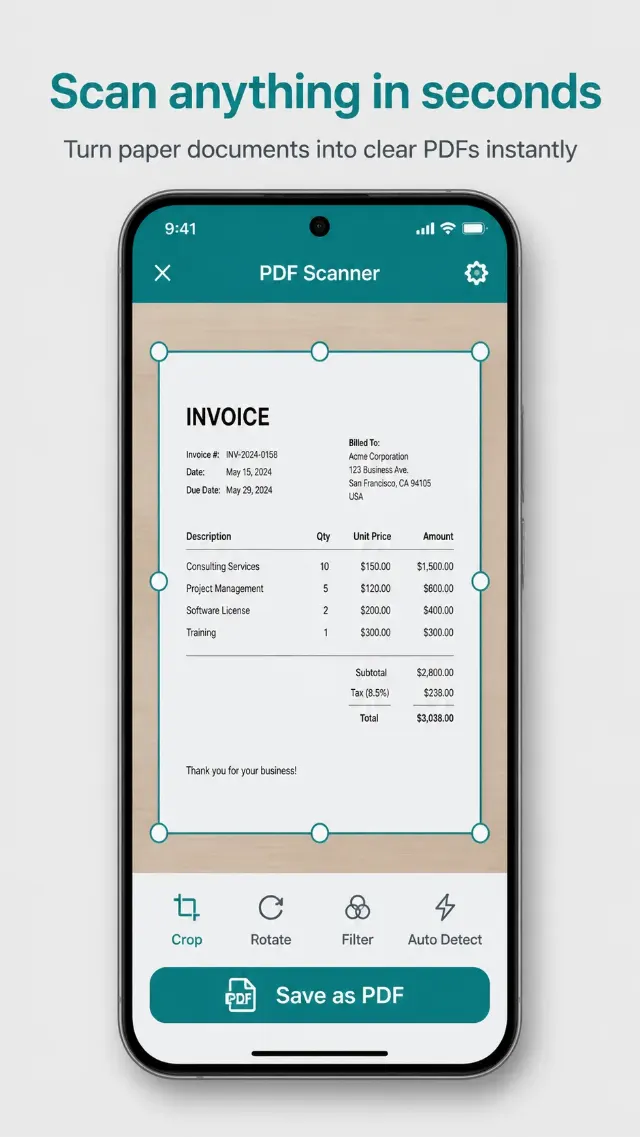
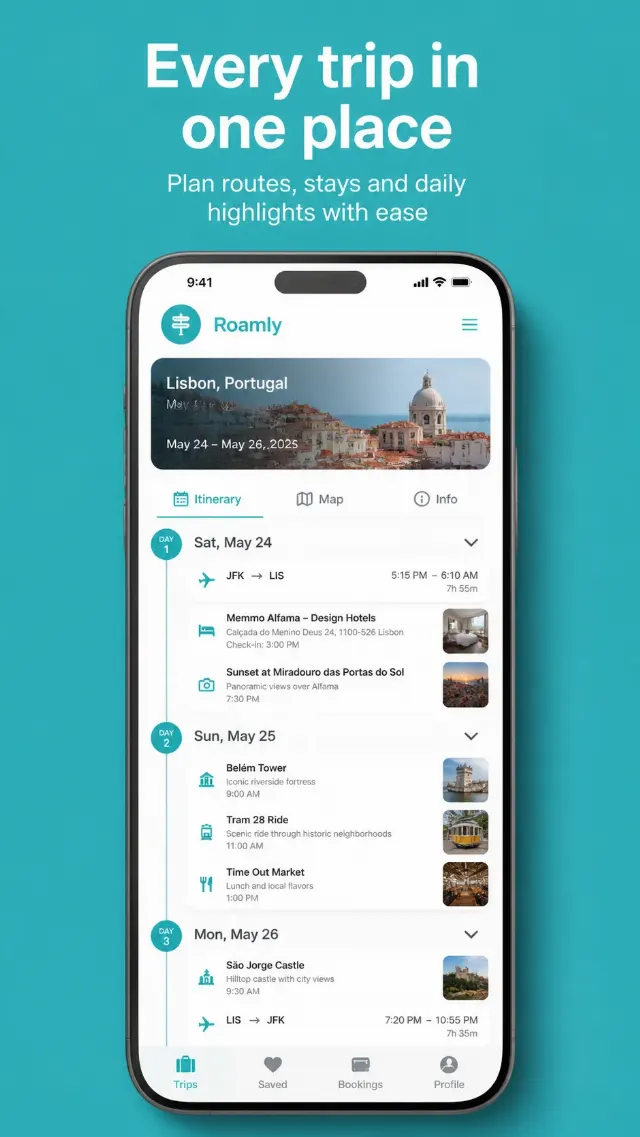
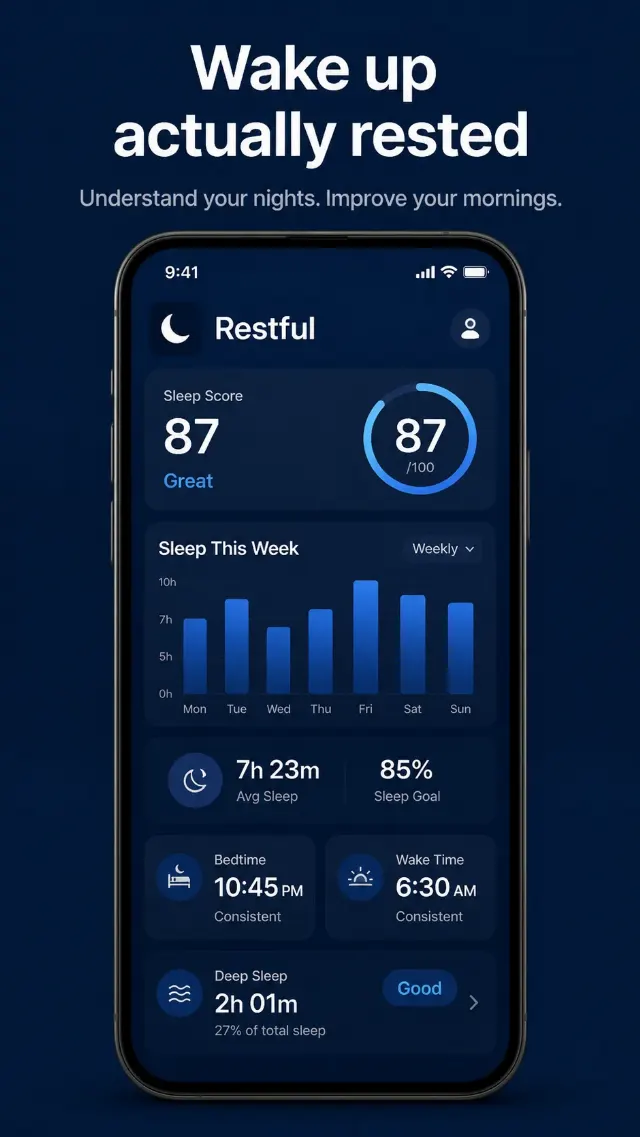
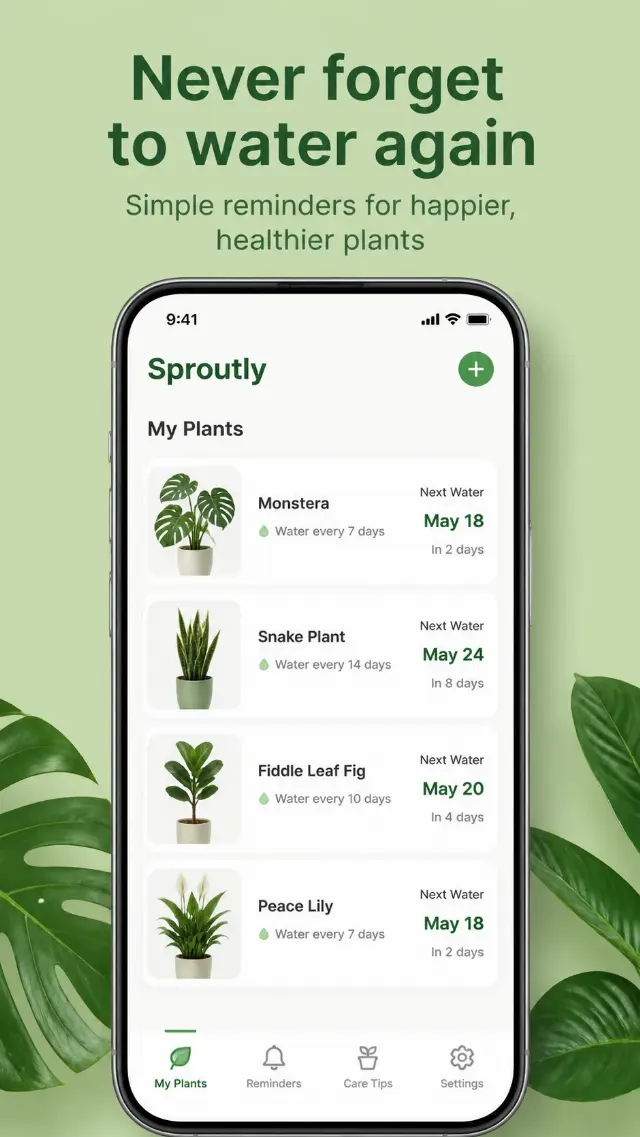
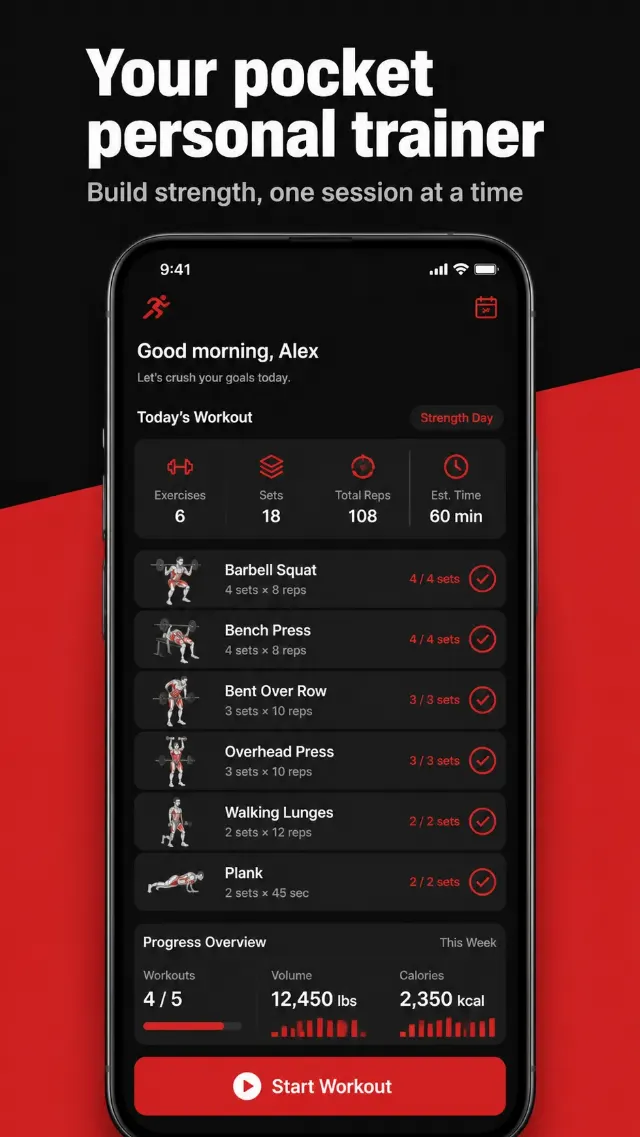
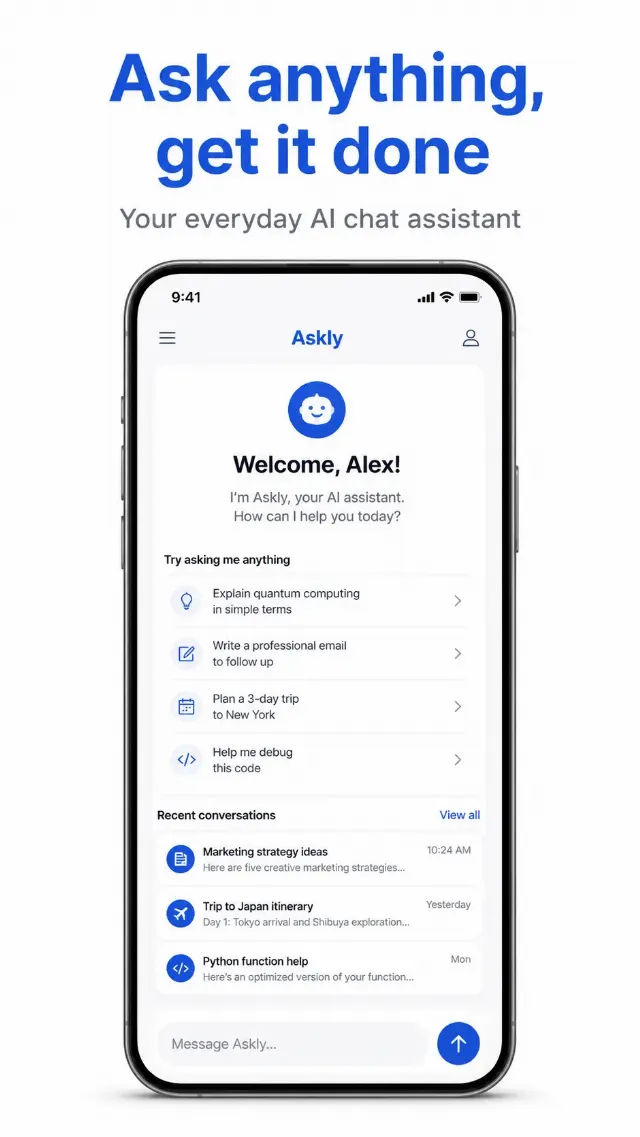
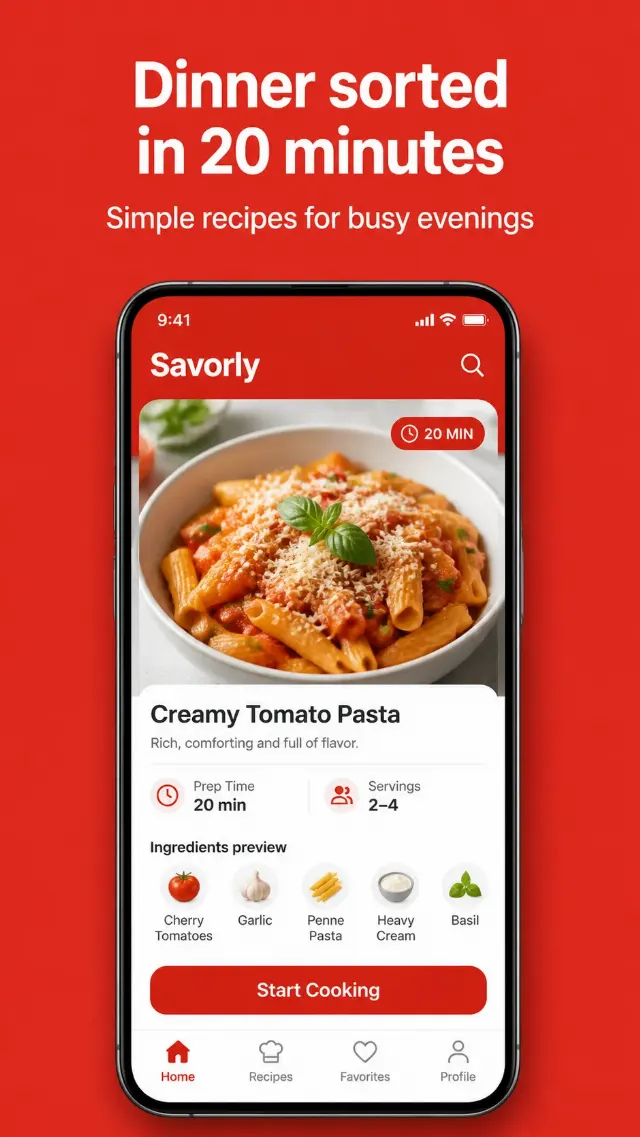
These app screenshot prompts help you create visual concepts for mobile app marketing, including onboarding screens, dashboard mockups, feature callouts, testimonial graphics, and phone-based ads. Use them to explore how an app could look in a campaign, product presentation, or social media post.
How to adapt app screenshot prompts
Change the marked details to match your product and audience. Replace the app type, screen content, feature, colors, typography, device, and background treatment. You can also adjust the visual direction, such as a minimalist layout, soft gradient, dark mood, colorful interface, or polished product styling.
- Describe the exact screen you need, such as a budget dashboard, chat view, route map, or onboarding step.
- Include the words, numbers, labels, and interface elements that should appear in the image.
- Specify the phone angle, crop, lighting, spacing, and surrounding scene for a more controlled mockup.
- For ads, add the intended format and leave clear space for your headline or call to action.
Every prompt in this category is written for GPT Image. After generating an image, check small interface text closely and refine the prompt with shorter copy or fewer screen elements when needed.